
Free Templates and Online Design Makers
Pick what you are making, start from a template or a blank page, and edit it in your browser. Downloading needs a free account.
Resume maker
40 free templates
Document maker
40 free templates
Presentation maker
40 free templates
Flyer maker
40 free templates
Poster maker
40 free templates
Invitation maker
40 free templates
Certificate maker
40 free templates
Menu maker
40 free templates
Social media post maker
40 free templates
Story maker
40 free templates
YouTube thumbnail maker
40 free templates
Portfolio maker
40 free templates
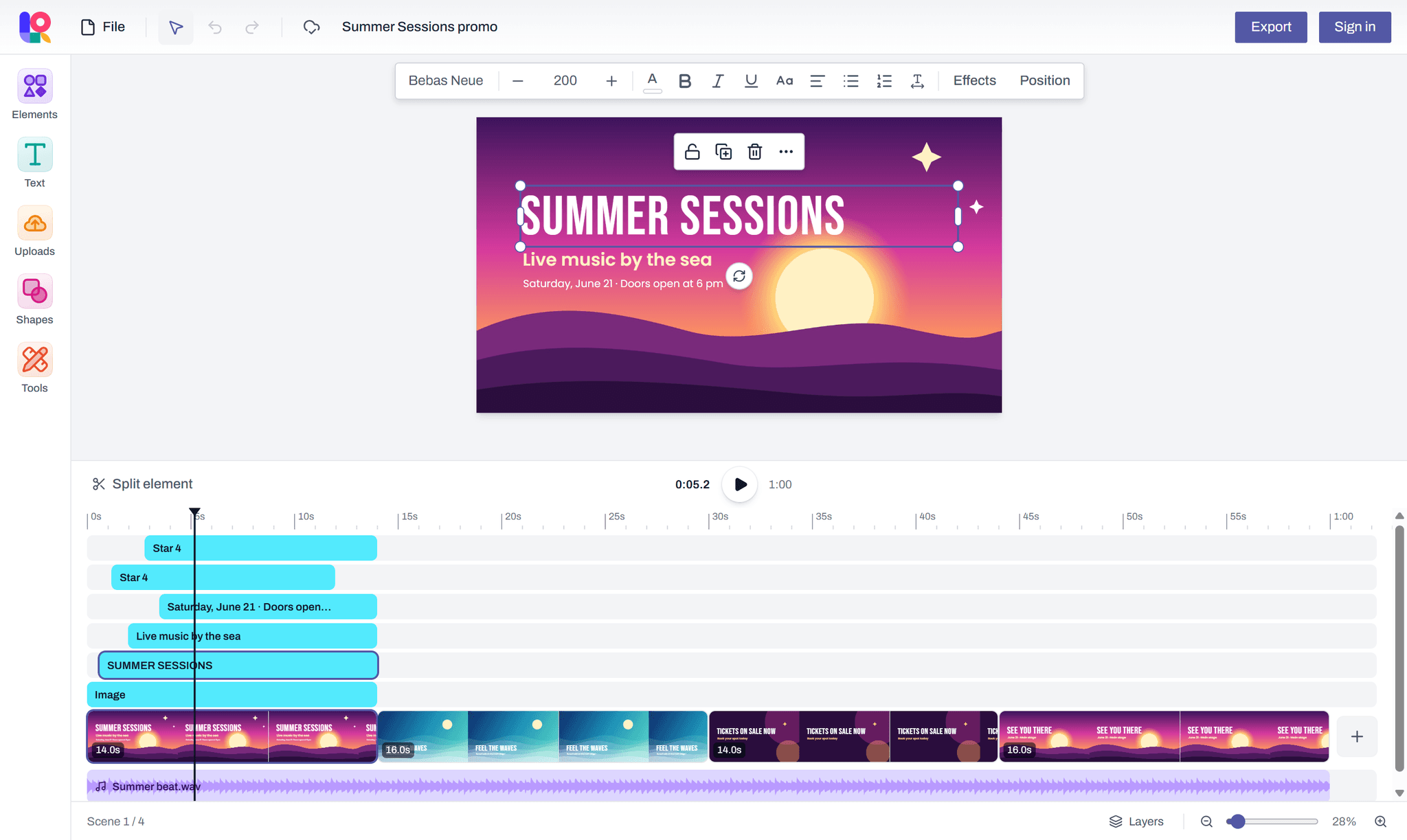
Video maker
Scenes, clips and music
How it works
From a blank page to a finished file in three steps.
- 1
Pick a size
A4, Letter, a presentation slide, a social post, a video, or your own dimensions.
- 2
Design
Add text, shapes, images and tables, or scenes, clips and music for a video. Your work is saved in your browser as you go.
- 3
Export
Sign in with a free account to download a PDF, PNG, JPEG or MP4, or to print.
Questions and answers
What people ask before they start.
What is Layquil?
Layquil is a free online document and design maker. You make documents, resumes, presentations, flyers, posters, social media posts and videos in your browser, from a template or a blank page, and download them as PDF, PNG, JPEG or MP4 with a free account.
Is Layquil free?
Yes, every feature is free. You can start designing without an account; downloading and printing need a free account, which you create by signing in with Google.
Why do I need an account to download or print?
You can create and edit designs as a guest. Downloading and printing need a free account, and a design you made as a guest is added to your account when you sign in.
Which formats can I download?
PDF, PNG and JPEG, from the Share button or File → Download in the editor. A design with several pages downloads its PNG or JPEG pages as one ZIP file. A video design also downloads as an MP4.
Where are my designs saved?
Every design is saved automatically in this browser as you work, so the editor keeps working offline. While you are signed in, your designs are also copied to your account.