
Free Photo Cutout Poster Maker
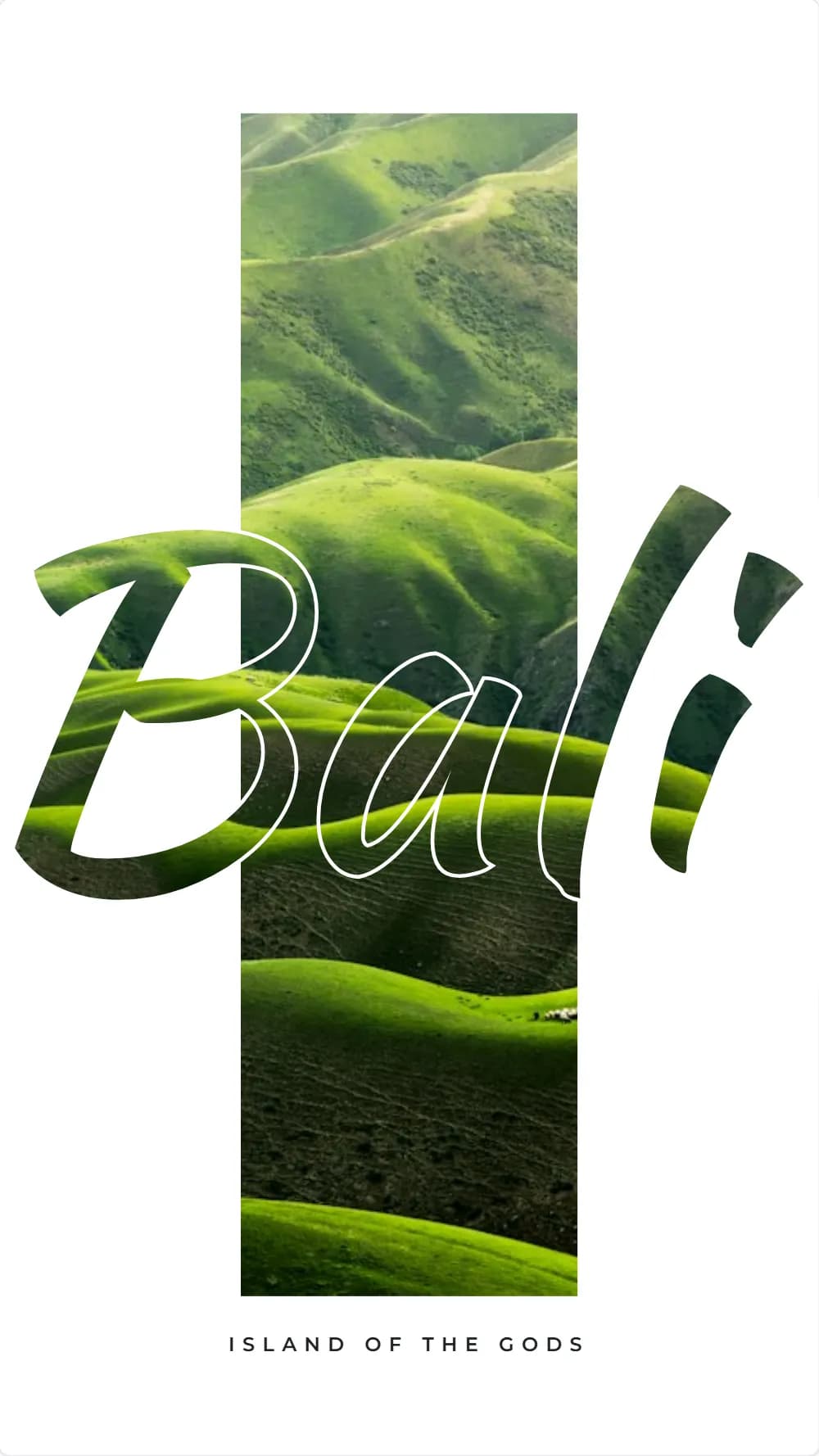
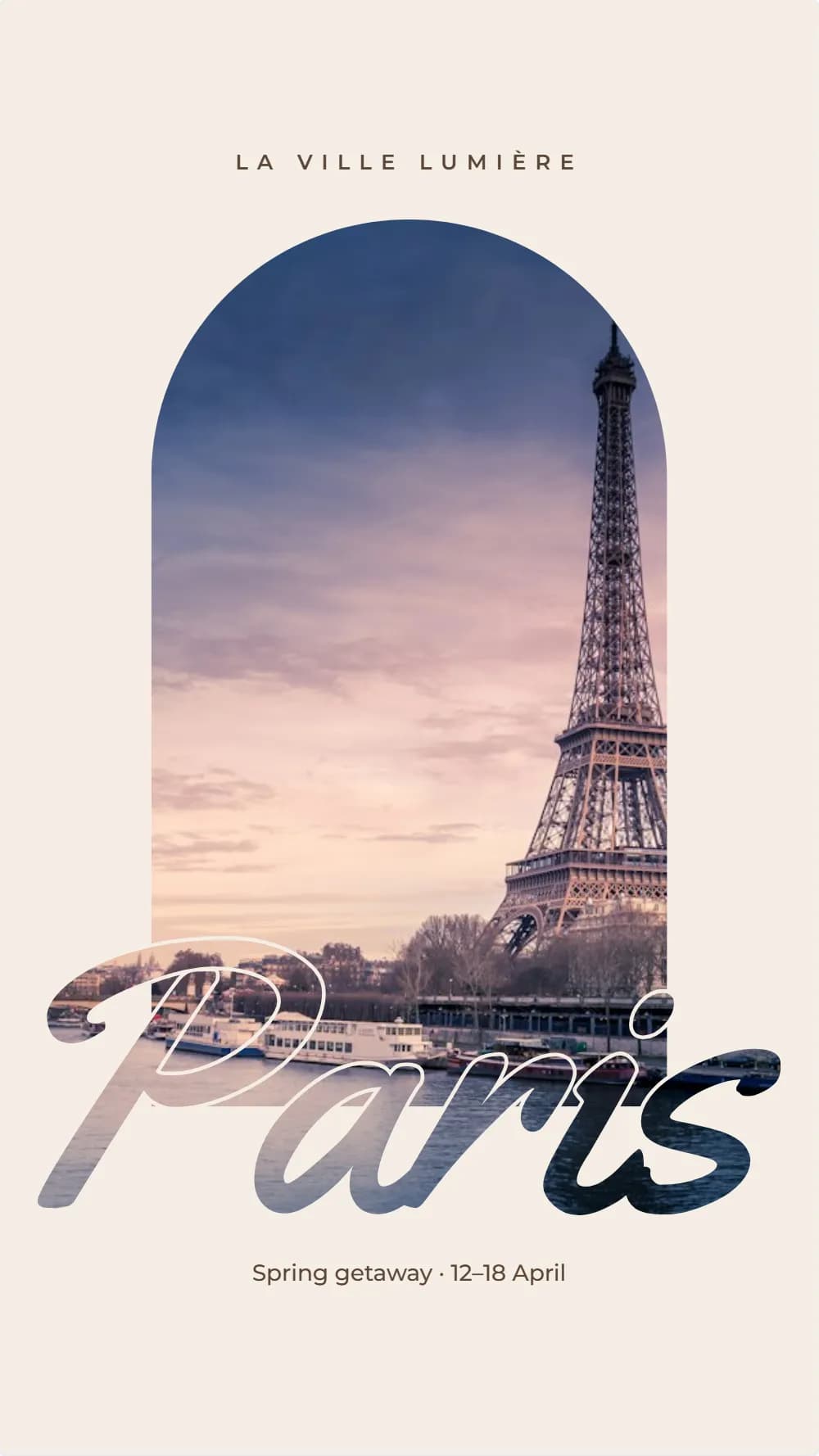
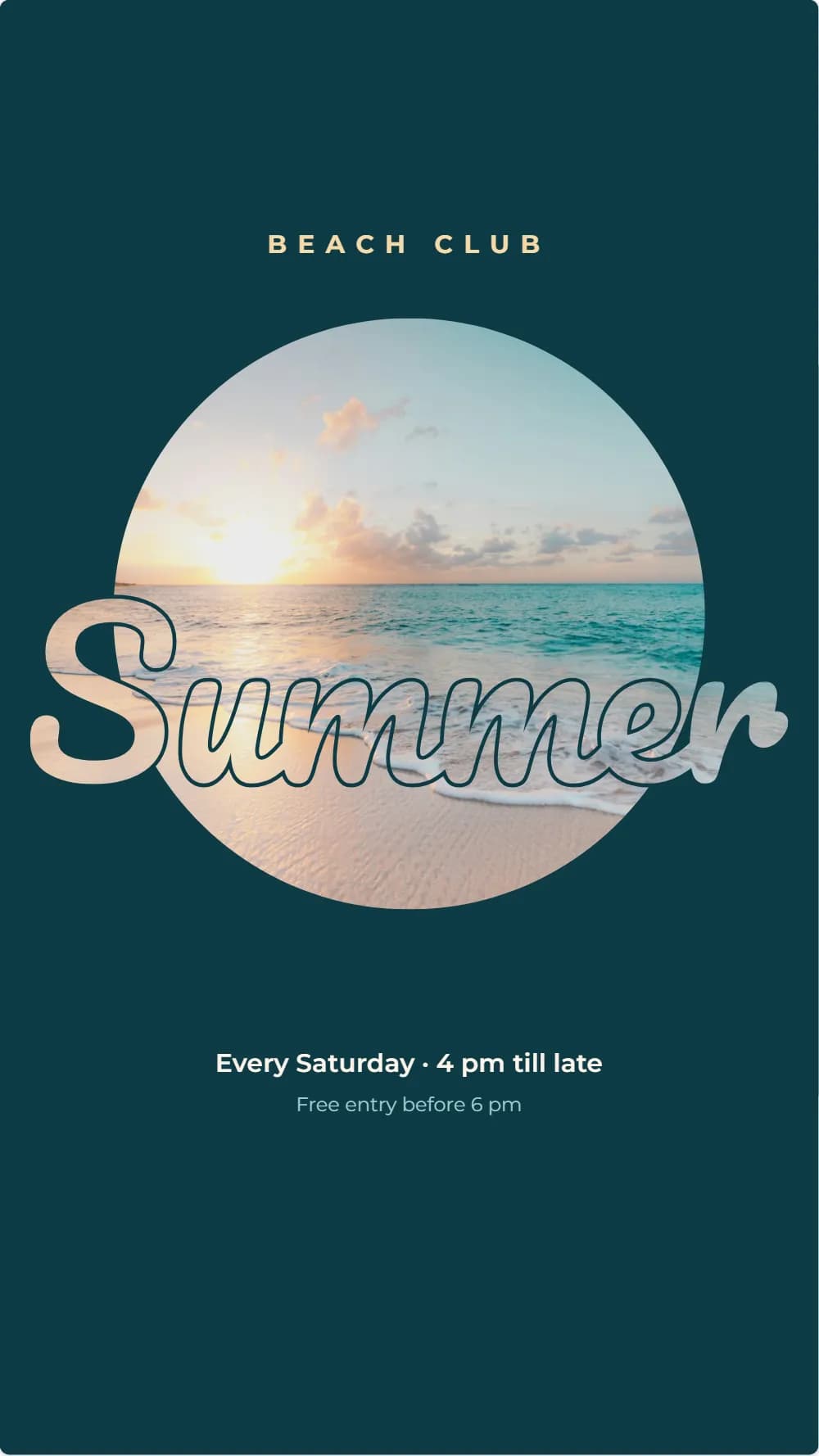
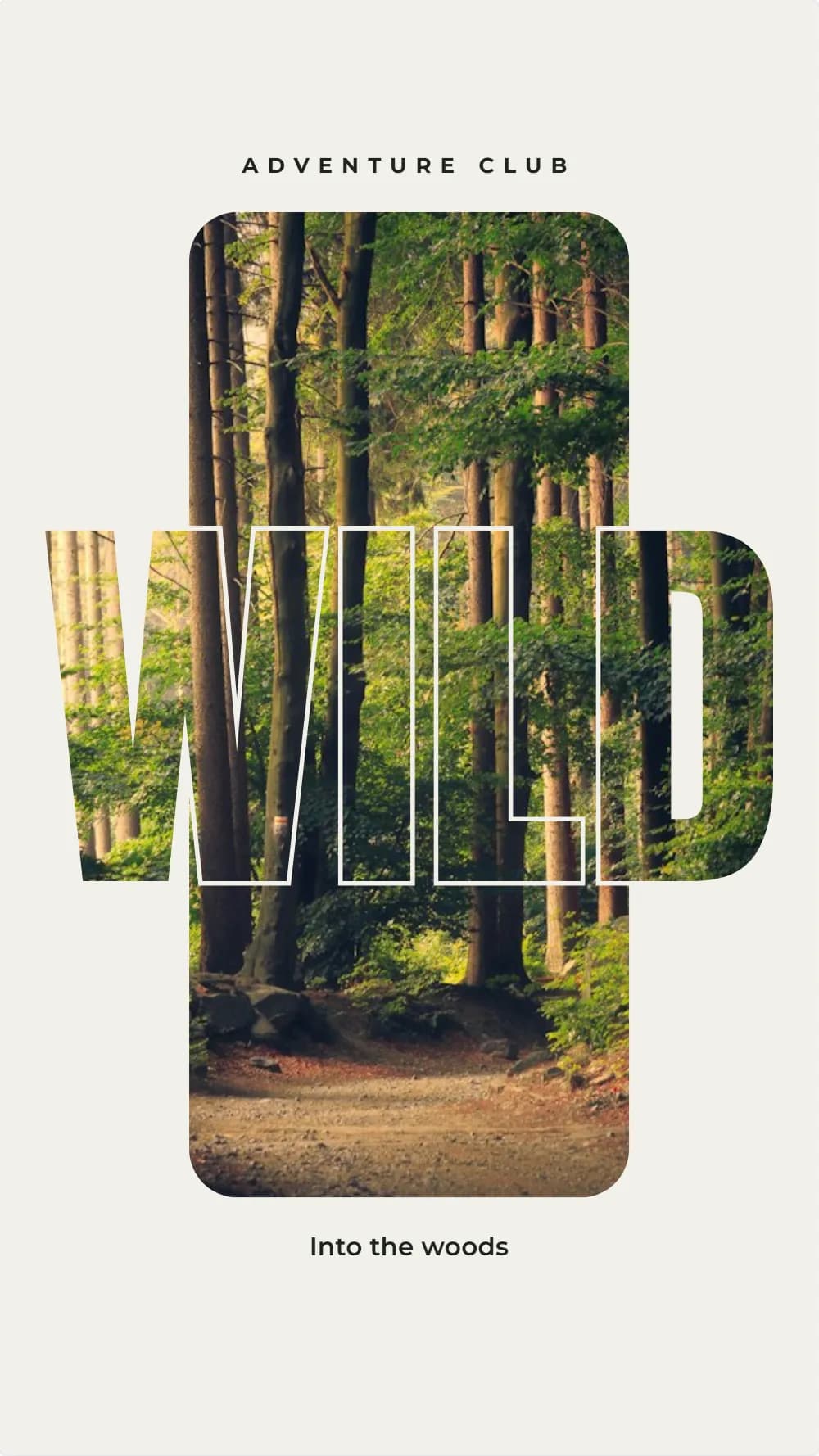
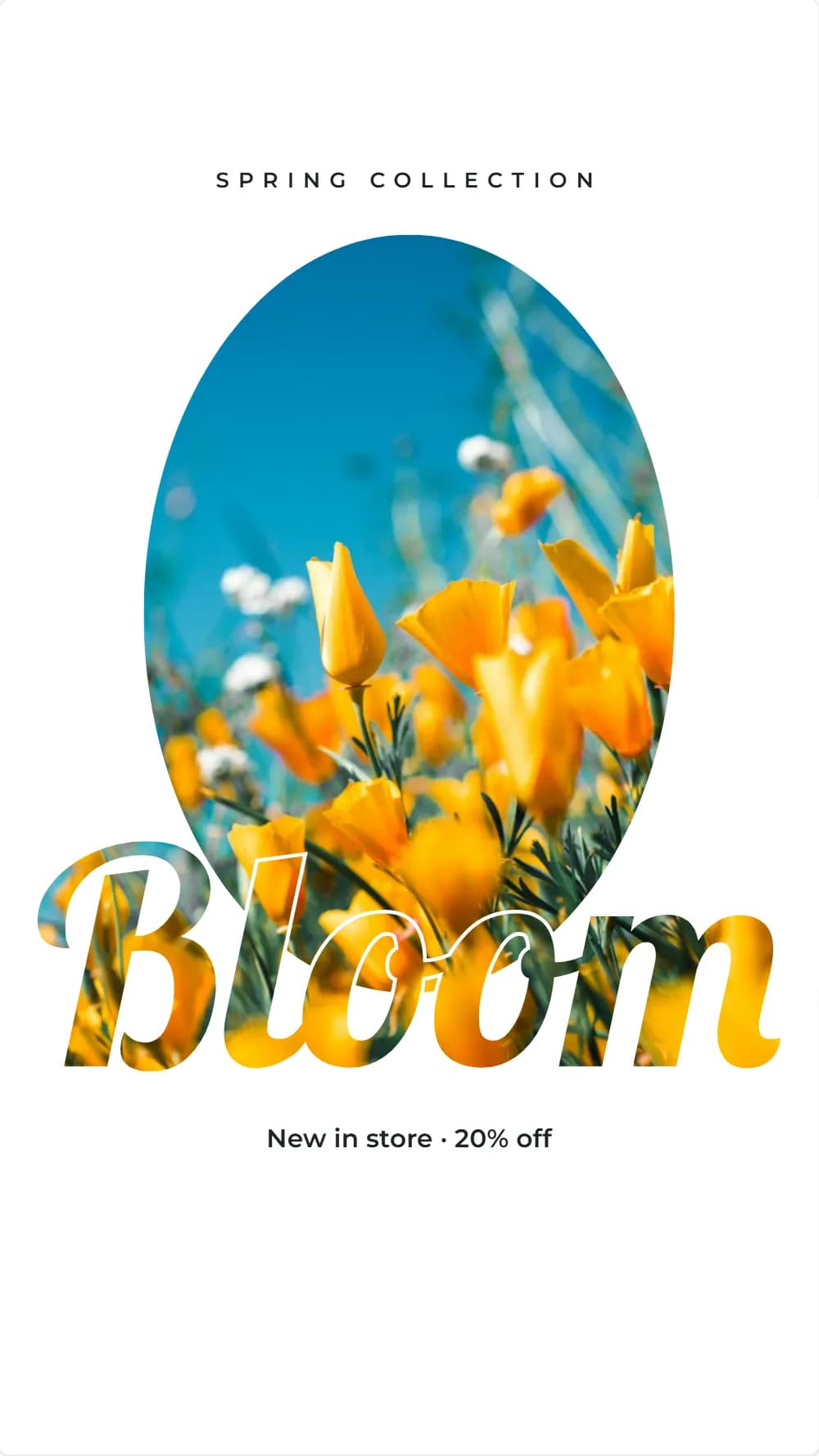
A place, an event or a season, written in letters cut out of a photo. Edit the captions, then download the poster as an image for your story or a PDF to print. To write a word of your own in photo letters, the Frame maker turns typed text into a frame.
Start without signing up. Downloading needs a free account.
How to make a cutout poster
Free, in your browser, with no sign-up to start.
- 1
Pick a poster
Choose a cutout poster: each has a big word whose letters show a photo.
- 2
Edit the captions
Change the small lines of text around the word: a place, a date, an offer.
- 3
Make your own word
Open Tools → Frame maker → Text, type a word, pick a font and add it: its letters become a frame you can drop any photo into.
- 4
Download
With a free account, download a PNG or JPEG to post as a story, or a PDF to print.
Tips for photo lettering
The word is the picture. These keep it readable.
Short, heavy words
Four to six letters in a bold, condensed font show the most photo through the letters.
A detailed photo
Cities, landscapes and crowds, with detail everywhere, read best inside letters; a plain sky shows very little.
A plain page around it
A calm background colour makes the photo letters stand out.
A small caption
The word is the star. A small line above or below it gives the details.
Questions and answers
What people ask before they start.
How is the word cut out of the photo?
The word is a photo frame shaped like its letters, over a window holding the same photo, so the picture runs on through the letters. To cut shapes out of your own design, use Tools → Shape cutout: click the areas to keep or cut away, and add the result as a picture.
Can I write my own word in photo letters?
Yes. Tools → Frame maker → Text turns what you type, in the font you pick, into a frame whose letters hold a photo. Drop a picture onto it, then download.
What size are the posters?
1080 × 1920 px (9:16), the size of an Instagram or Facebook story. Download them as a PNG or JPEG, or as a PDF to print.
Is Layquil free?
Yes, every feature is free. You can start designing without an account; downloading and printing need a free account, which you create by signing in with Google.
Why do I need an account to download or print?
You can create and edit designs as a guest. Downloading and printing need a free account, and a design you made as a guest is added to your account when you sign in.