
Free Online Whiteboard
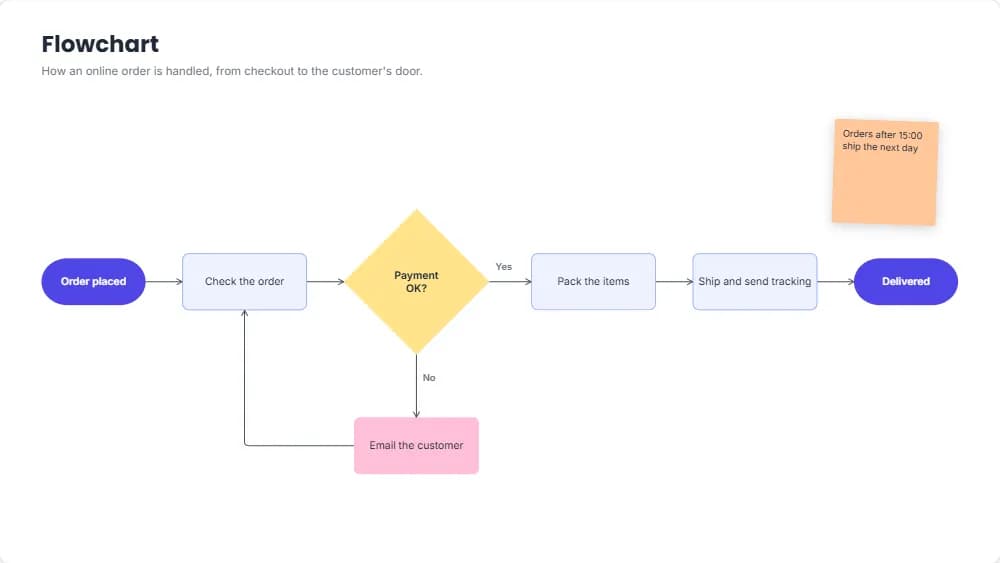
Sticky notes, sections, connectors and shapes that hold text, on a board far bigger than your screen. Brainstorm, map an idea, plan a project or draw a flowchart in your browser, then download the board as a PDF or an image.
Start without signing up. Downloading needs a free account.
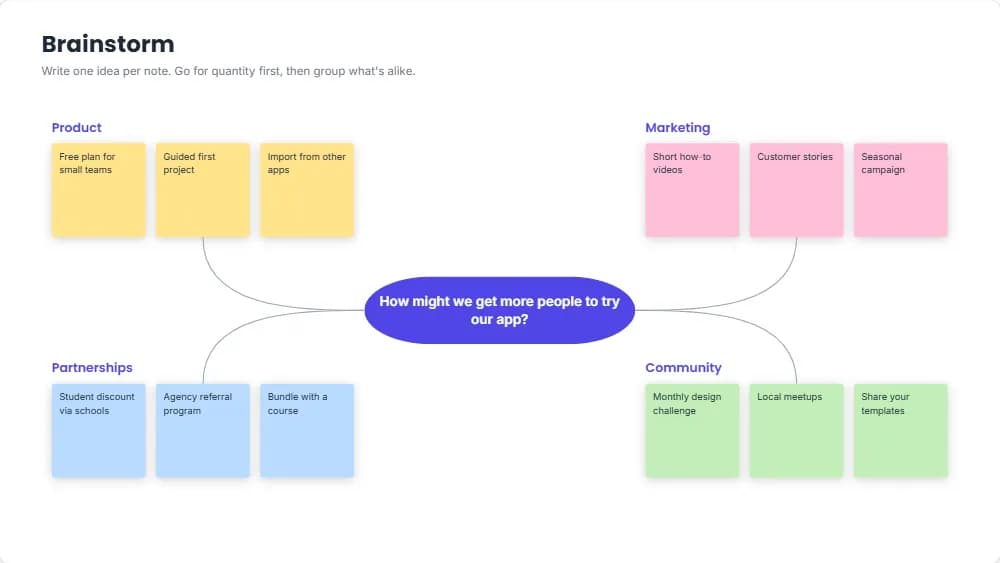
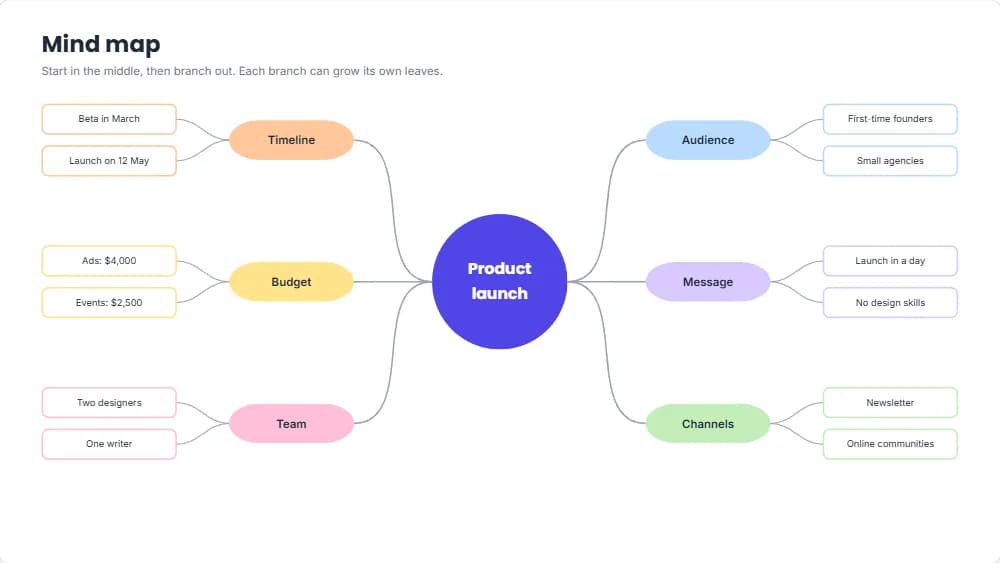
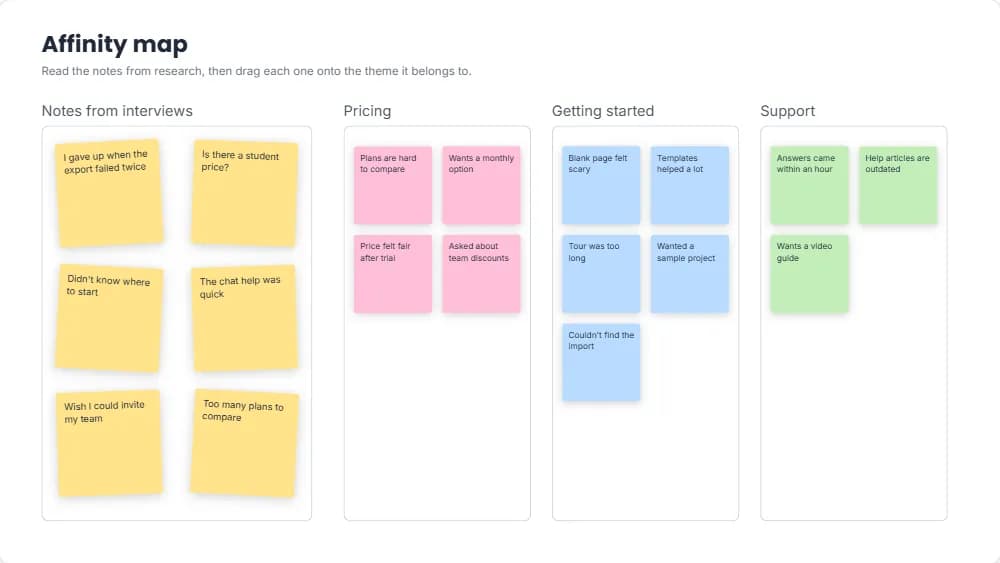
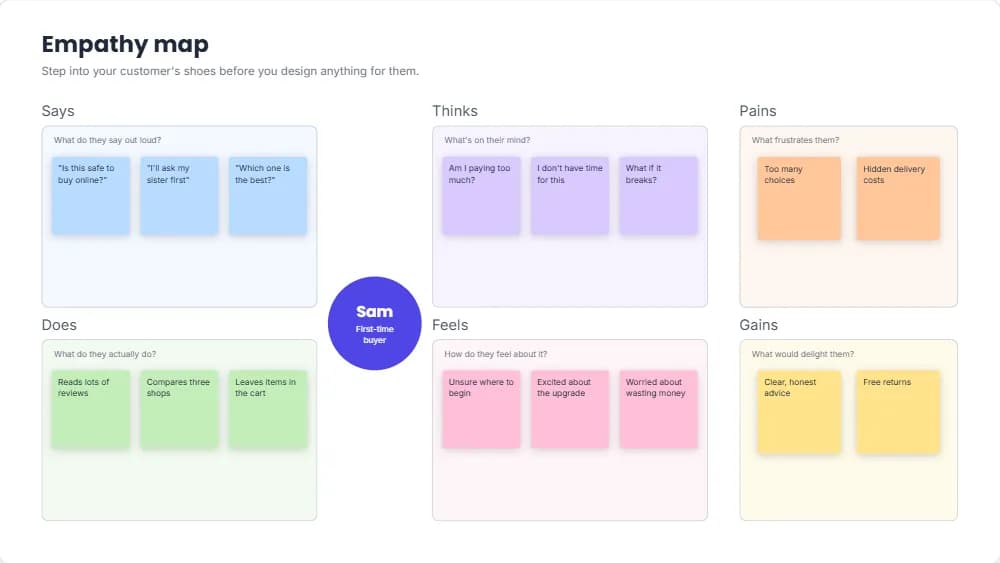
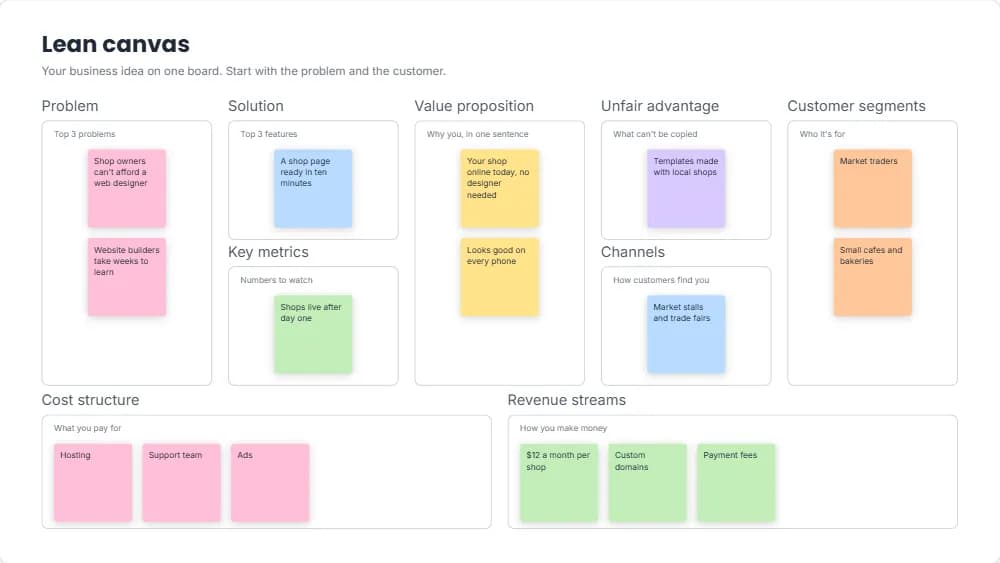
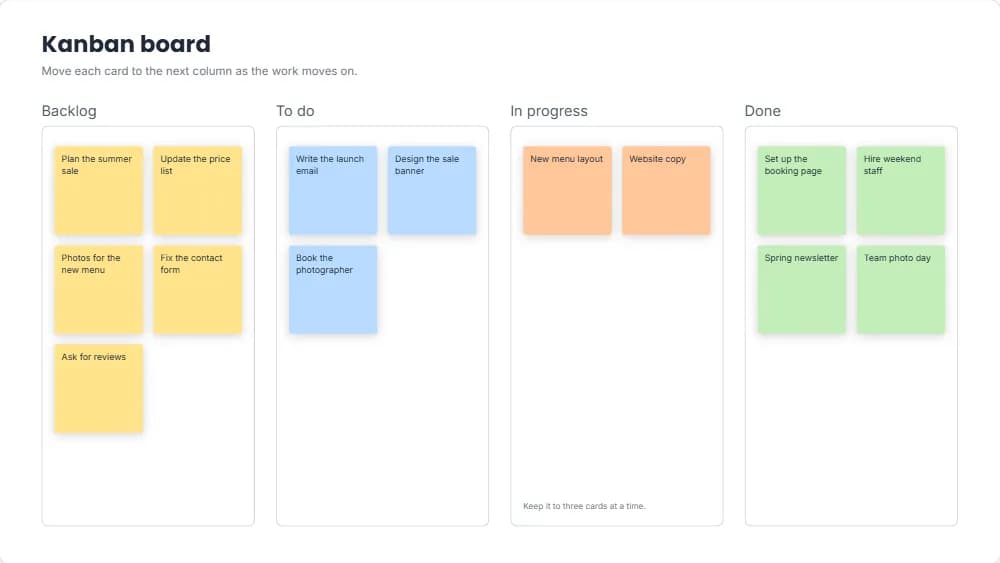
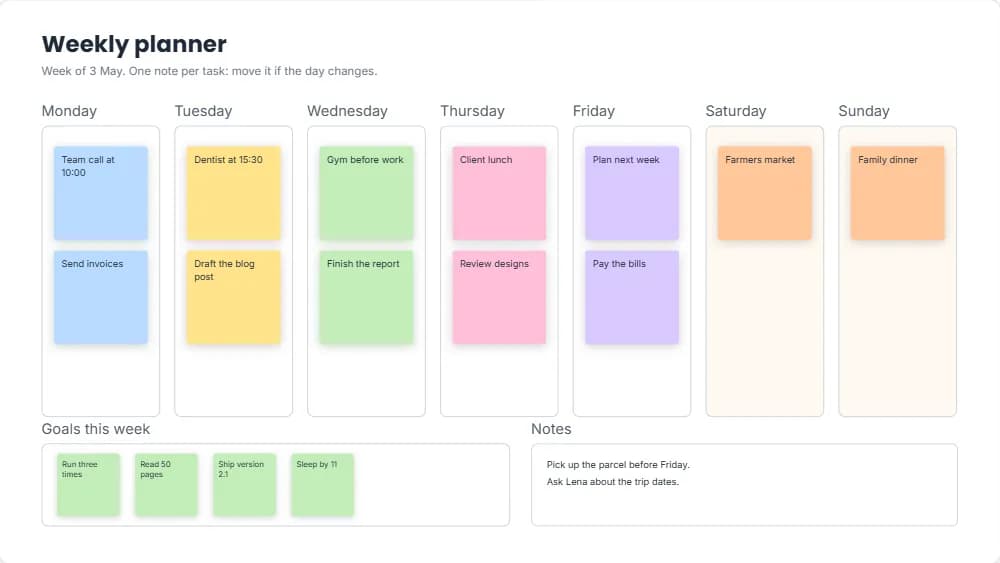
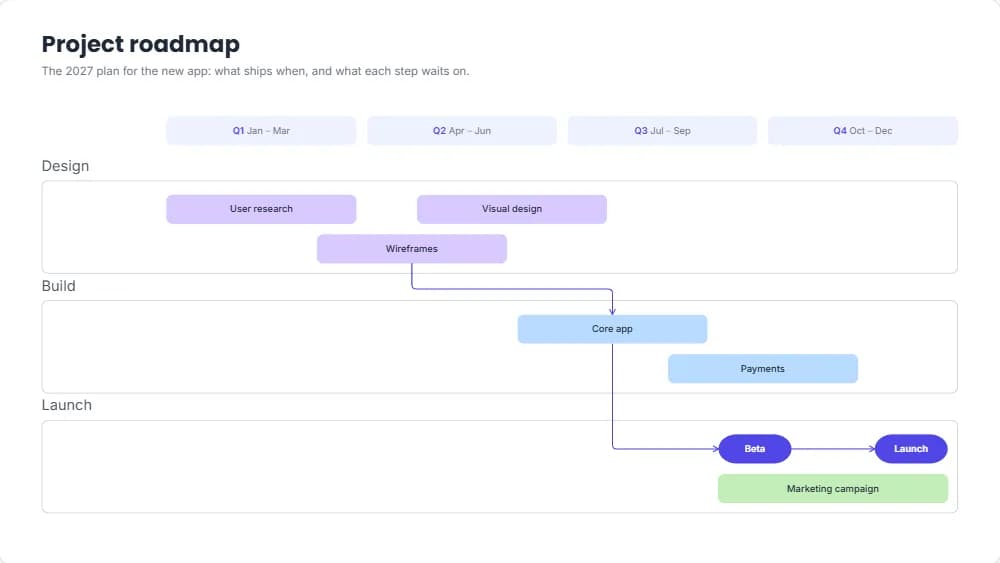
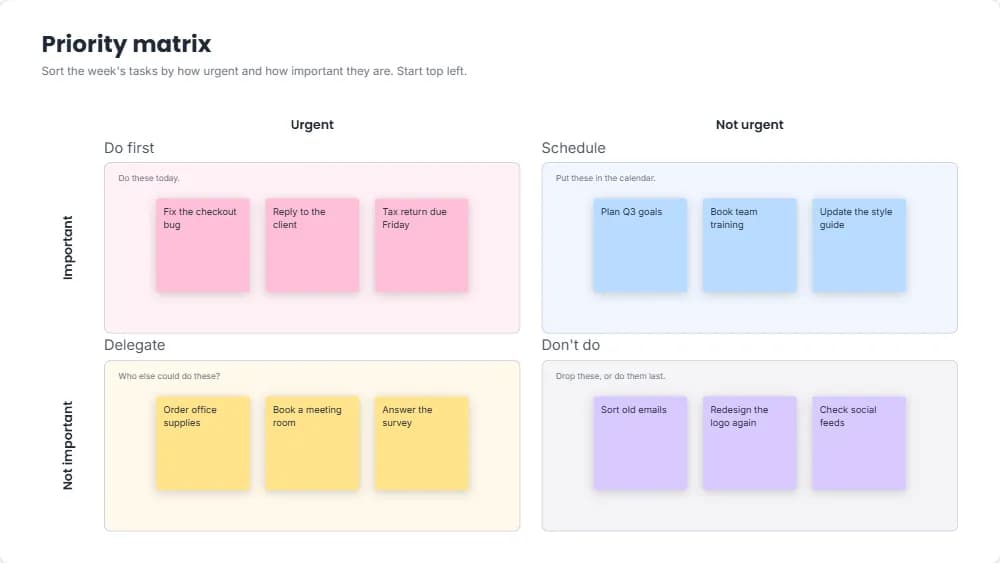
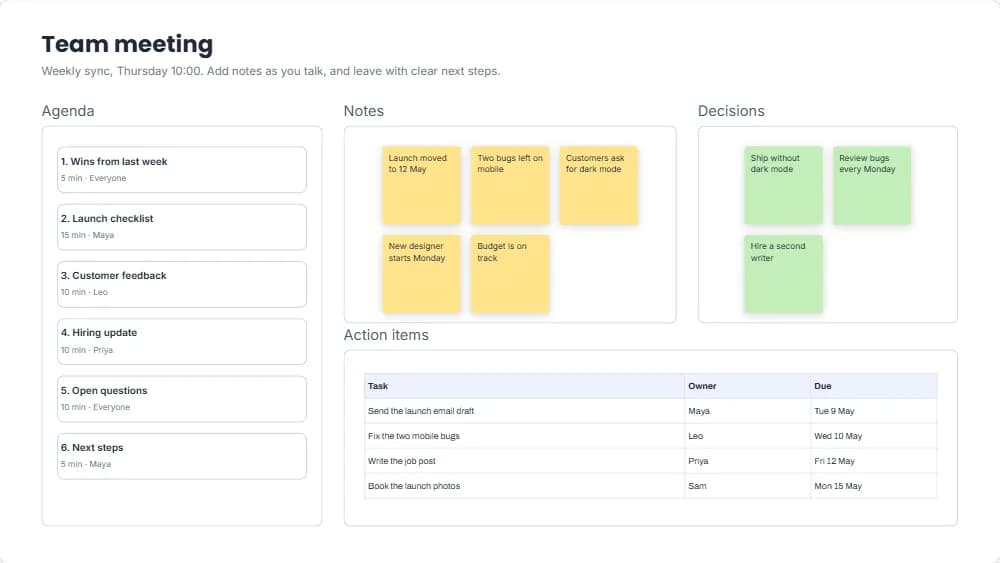
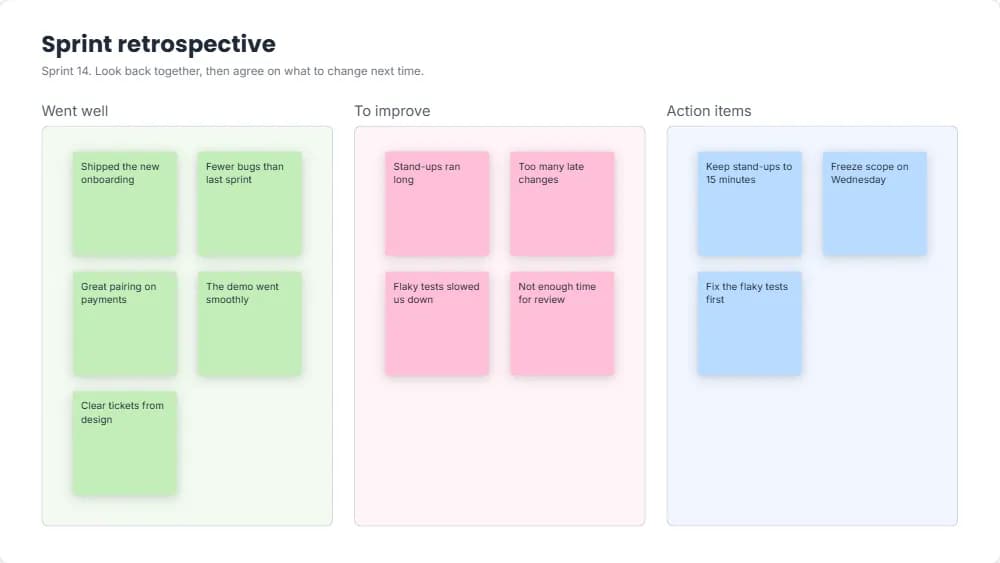
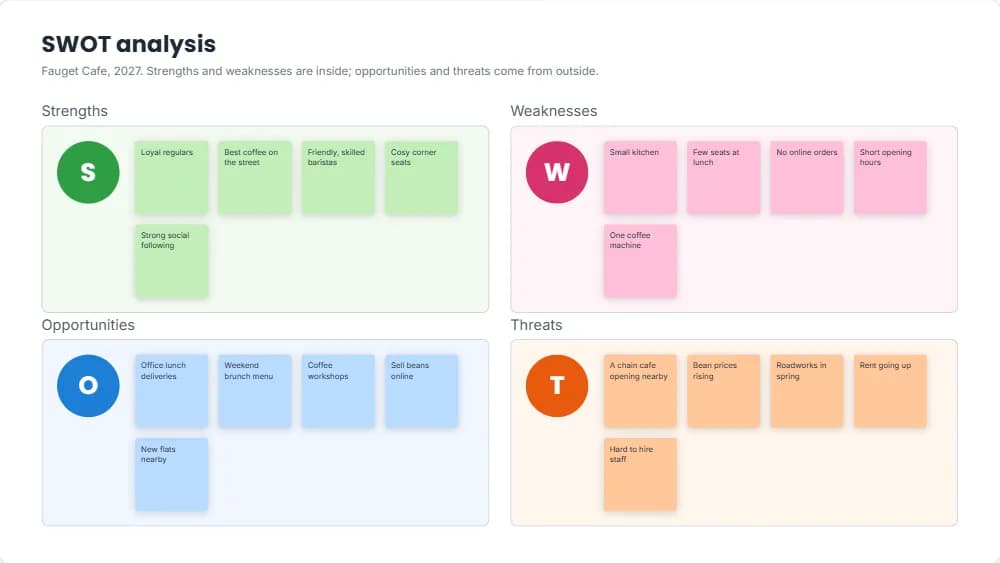
15 free whiteboard templates
Open one to see all of it, then edit it in your browser.
How to use the online whiteboard
Free, in your browser, with no sign-up to start.
- 1
Open a board
Start a blank whiteboard, or a template: brainstorm, mind map, kanban, retrospective, SWOT, flowchart and more.
- 2
Add notes and shapes
Press N for a sticky note or T for text, or pick a shape from the tool strip. Double-click a shape to type in it.
- 3
Connect and group
Press L to draw straight, curved or elbow connectors between shapes, and gather related notes in a section.
- 4
Download the board
With a free account, download everything on the board as one PDF page, PNG or JPEG.
Tips for a useful whiteboard session
A board is only as good as what you do with it afterwards.
Start with a question
Write the goal at the top, such as "How might we cut onboarding time?", so every note has a purpose.
One idea per note
Short notes are easy to move, group and compare.
Group, then name
Drag similar notes into a section, then give the section a title that sums them up.
Colours that mean something
One note colour per person, theme or priority, with a line saying what each colour means.
End with next steps
Finish with a section of actions, each with a name next to it.
Questions and answers
What people ask before they start.
How big is a whiteboard?
Far bigger than your screen. Scroll or zoom out to keep adding notes, sections and shapes in any direction.
What can I make on a whiteboard?
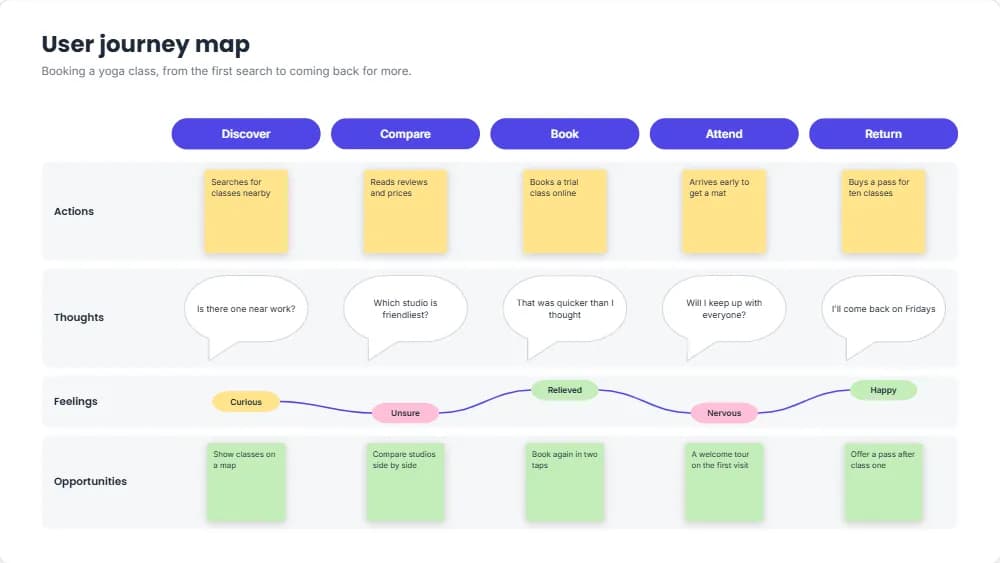
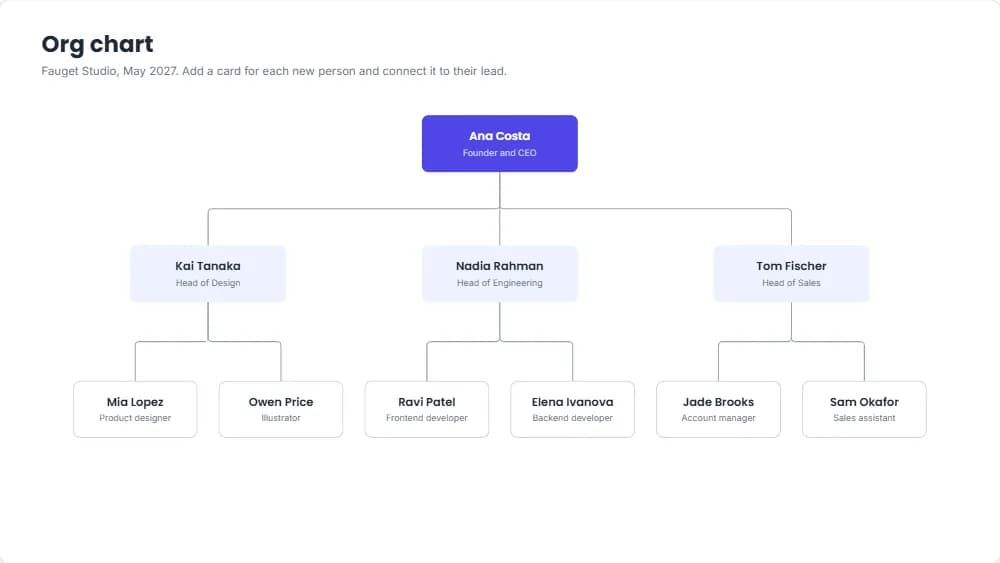
Brainstorms, mind maps, affinity and empathy maps, kanban boards, weekly plans, roadmaps, retrospectives, SWOT analyses, flowcharts, user journeys and org charts, from a template or a blank board.
What does a download include?
Everything on the board, with a small margin around it, as one PDF page, PNG or JPEG. Downloading needs a free account.
Can several people edit a whiteboard at the same time?
Not yet. One person edits a whiteboard at a time. It is saved in your browser as you work, and in your account when you are signed in.
Is Layquil free?
Yes, every feature is free. You can start designing without an account; downloading and printing need a free account, which you create by signing in with Google.
Why do I need an account to download or print?
You can create and edit designs as a guest. Downloading and printing need a free account, and a design you made as a guest is added to your account when you sign in.