
The story size
Stories are vertical images or videos in the 9:16 shape of a phone screen. Design them at 1080 × 1920 pixels, the size Instagram and Facebook stories use. Reels, TikTok videos and YouTube Shorts share the same shape, so one tall design can travel between them.
| What to use | |
|---|---|
| Size | 1080 × 1920 px |
| Shape | 9:16, upright |
| Images | PNG or JPEG |
| Video | MP4 |
| How long it stays | 24 hours, unless you add it to a Highlight on your profile |
An image in another shape still works, but the app places it on a coloured background or crops it, so a square post shared to your story ends up as a small picture with bands above and below. When the story matters, design it tall from the start.
Keep the safe zones clear
Instagram draws its own controls over every story: the progress bar, your profile picture, your name and a close button at the top; the reply box and the like and share buttons at the bottom. Anything under them is hard to read and impossible to tap. As a rule of thumb on a 1080 × 1920 story:
- Top: keep text, faces and logos out of roughly the top 250 px.
- Bottom: keep roughly the bottom 250 to 340 px clear. Leave the larger margin for an ad, whose call-to-action button sits there too.
- Sides: leave a margin of about 60 px, so rounded screen corners and cases never clip a word.
That leaves a comfortable area in the middle of the screen for everything that matters. Backgrounds and photos can still run to every edge; it's only the words and the important details that need to stay inside.
One idea per story
People move through stories quickly, often with a thumb ready to tap. A story that tries to say four things says none of them. Give each one a single message (an offer, a date, a question, a tip) and let everything else support it. If you have more to say, use more than one story.
Before: "Summer sale on all dresses, tops and accessories, in store and online, this weekend only, and use code SUN20 at checkout for an extra discount."
After: "SUMMER SALE" across the middle, "This weekend · 20% off with SUN20" in a small line below, and a link sticker to the shop.
Text people can read at a glance
- Make the headline big: 100 px or more on a 1080 × 1920 story, so it reads in the second before a tap.
- Keep body text at about 40 px or larger, and to a few short lines. If it needs to be smaller to fit, there is too much of it.
- Use strong contrast: light text on a dark background, or dark text on a light one. Over a photo, put a solid or semi-transparent band behind the words.
- Use two fonts at most: a bold one for the headline and a plain one for everything else. The font pairing guide has combinations that work.
- Keep words off the busy parts of a photo, where they fight with the detail behind them.
Photos and video
Use upright photos. A portrait shot fills the screen; a landscape photo has to be cropped so hard that most of it is lost, or shown small with empty space around it. Place the subject in the middle of the frame, away from the safe zones, and use sharp, well-lit pictures: a full-screen image shows every blur.
For moving stories, short clips of a few seconds work best. Keep any text on screen long enough to read twice, and since many people watch with the sound off, put the key words on screen rather than only saying them.
Leave room for stickers
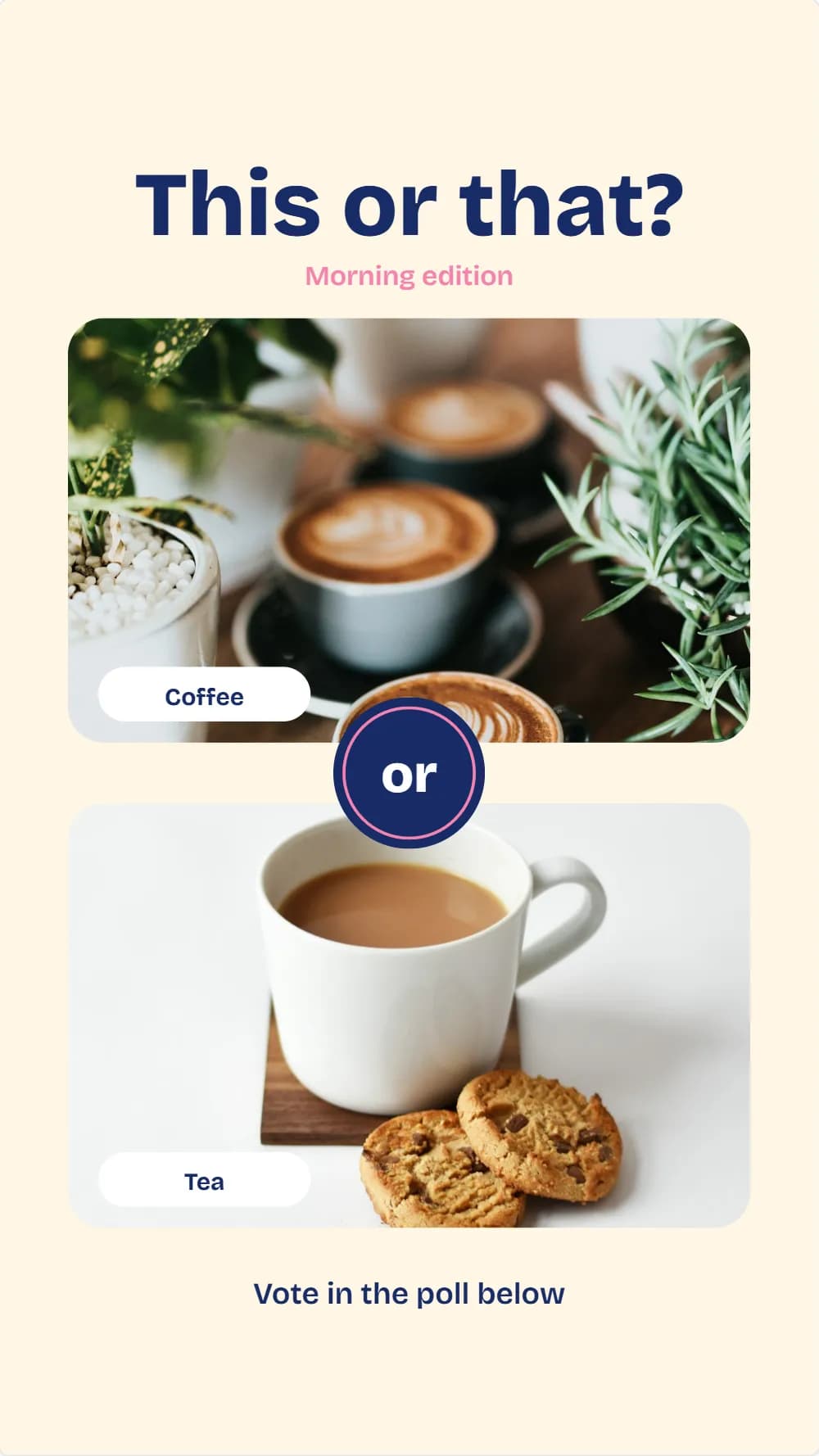
Polls, questions, quizzes, countdowns and links are stickers you add in the Instagram app, on top of your image. They work best when the design has a calm, empty space waiting for them, usually between the middle of the story and the bottom safe zone. A short label such as "Vote below" or "Ask me anything" next to that space tells people what to do.
Design the space at the size the sticker will take, and keep it away from the reply box, so viewers don't tap the wrong thing.
Tell it in a series
Several stories in a row play one after another, so a series can do what a single story can't: a recipe step by step, a teaser before a launch, a before and after, a how-to. A few habits make a series feel like one piece:
- Keep the same fonts, colours and layout on every frame, so they read as one story.
- Put the hook first. The first frame decides whether people keep watching.
- Number the frames (1/4, 2/4…) when the order matters, as in a recipe.
- End with the action: the link, the date, the question you want answered.
1. "Something new is coming" over a close-up of the product.
2. The product revealed, full screen, with its name.
3. Three features, one short line each.
4. The price, the launch date and "Tap the link to shop", with room for the link sticker.
Story ideas by goal
| Goal | Story ideas |
|---|---|
| Sell | A flash sale, a discount code, a last-chance countdown, a product spotlight |
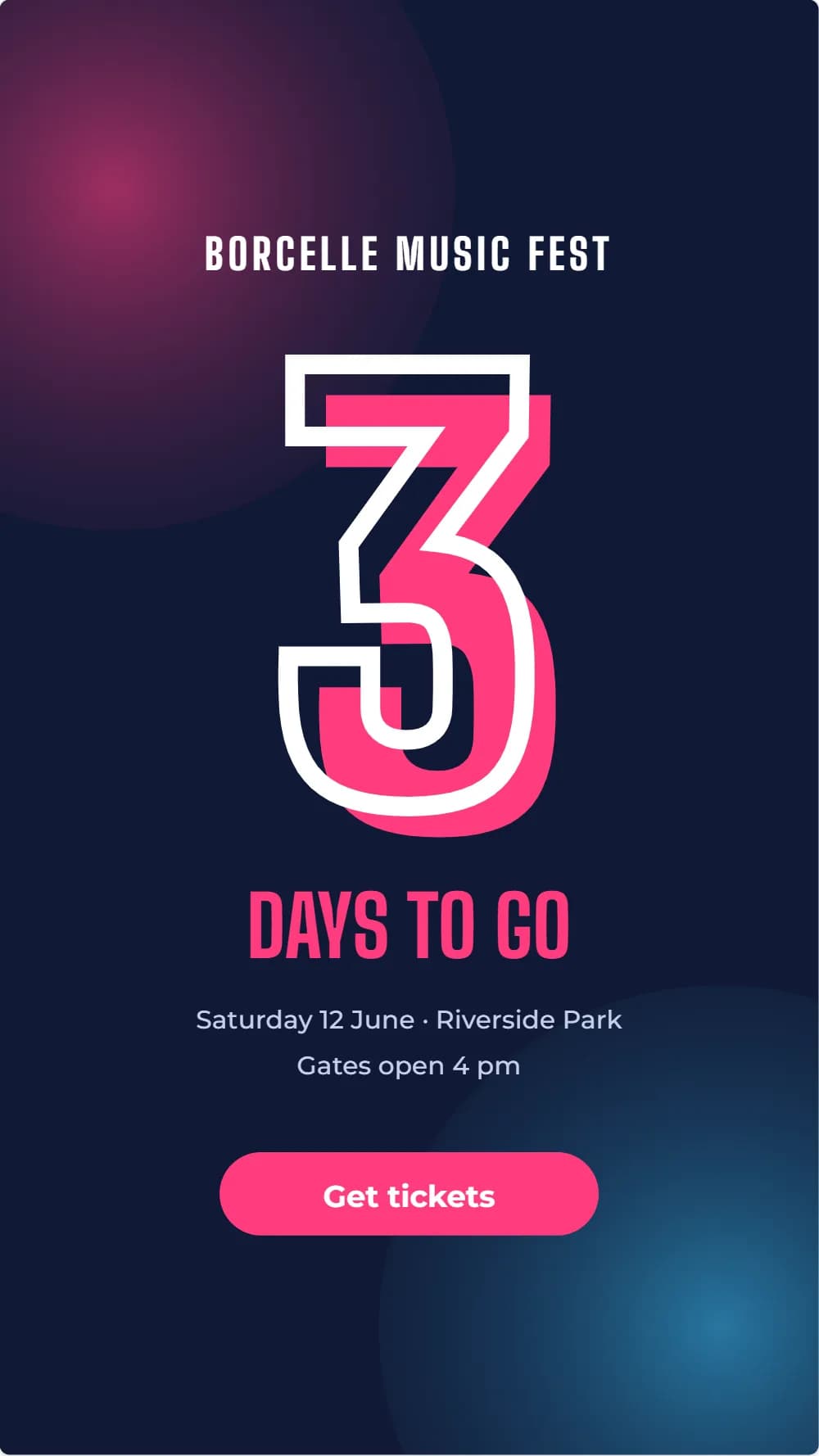
| Fill an event | A countdown, a line-up, a webinar with a save-your-seat link |
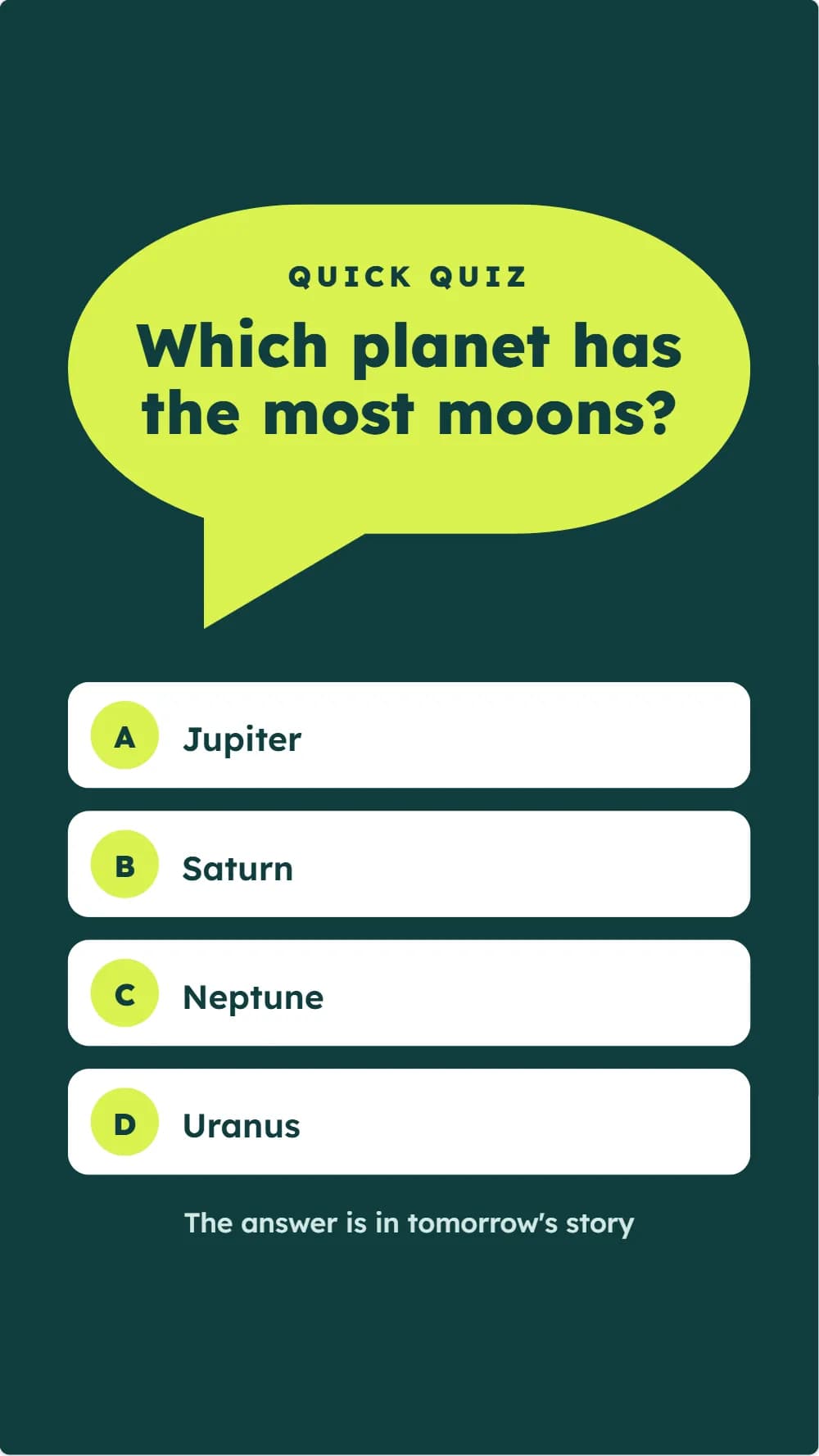
| Start a conversation | A Q&A, this or that, a quiz, five facts about me |
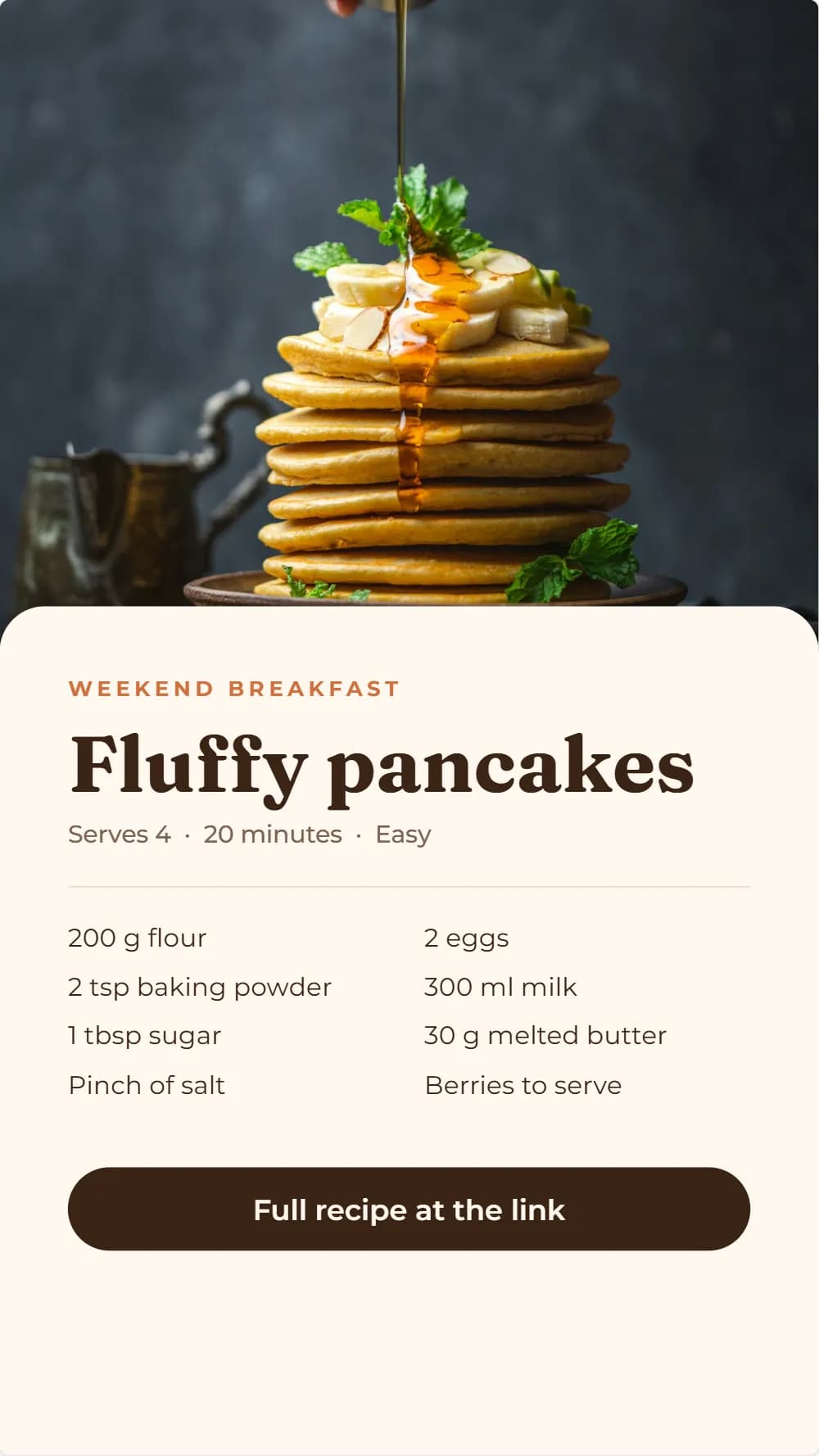
| Be useful | A recipe, a how-to in steps, a workout, a packing checklist |
| Build trust | A customer quote, a before and after, a milestone thank-you |
| Announce | A new arrival, a new release, a job opening, an open house |
Branding without clutter
Stories are a quick, informal format, but consistency still helps: when your stories share a few colours and fonts, followers recognise them before they read your name. A small logo or handle is enough, placed inside the safe area. Resist filling every corner; the empty space is what makes the message stand out.

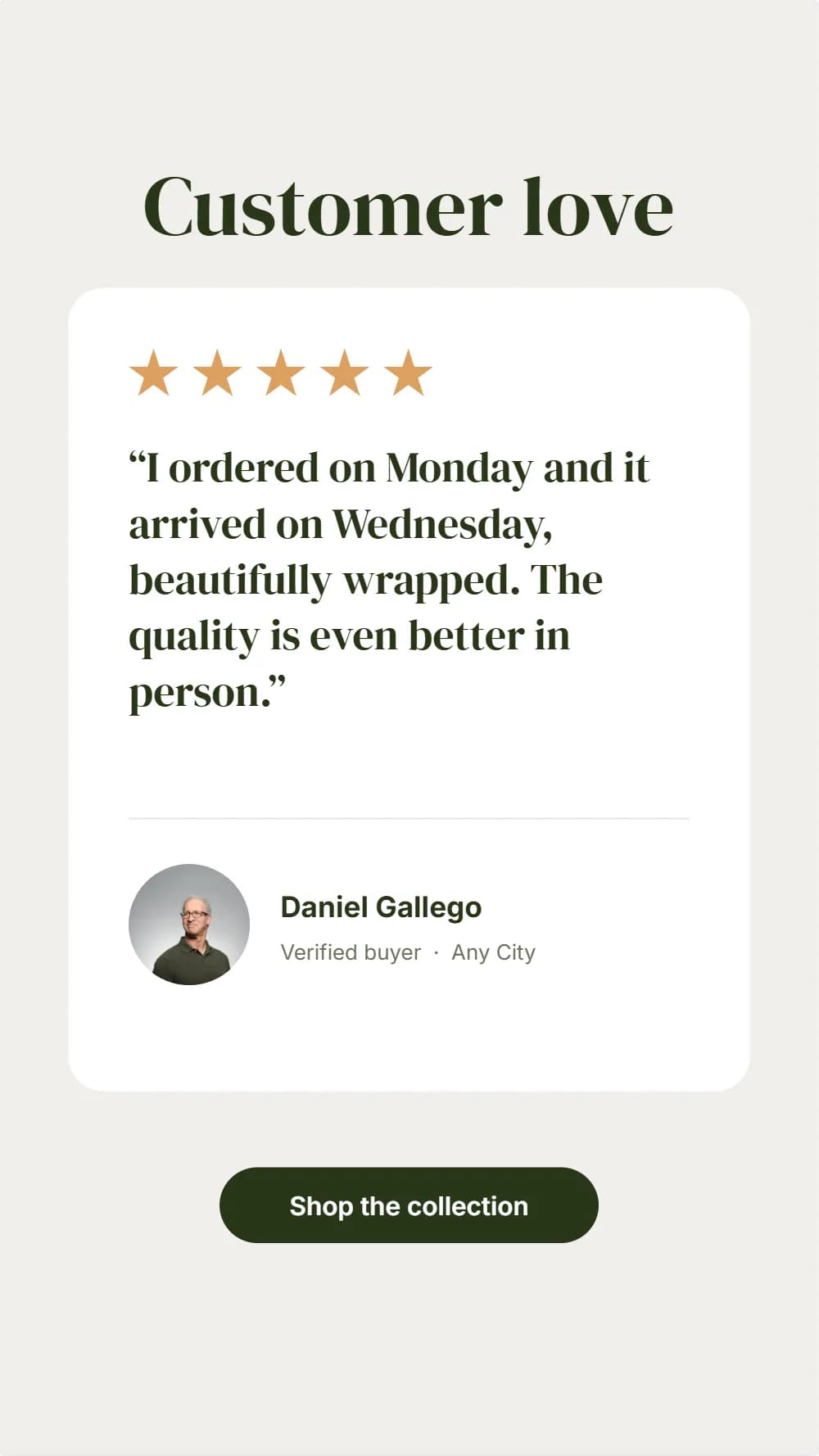
Make your story in Layquil
Open the story maker and pick one of its templates, or create a blank 1080 × 1920 story. Change the words, drop your own photo into a template's photo frame (or select the frame and press Replace), and switch the colours to your own.
For a series, add a page for each frame, or duplicate a finished page to keep its layout. With a free account, open Share and download a PNG or JPEG. Images are made at twice the design's size, 2160 × 3840 for a story, which Instagram scales down to fit, and a design with several pages downloads as one ZIP of images, numbered in order. Get the files onto your phone and add them to your story from the Instagram app; stickers are added there too.
To make a story move, give its text and pictures an entrance animation in the Animate panel and download an MP4, with each page playing for as long as you choose (5 seconds unless you change it). For a story built from your own clips and music, start a Mobile video (also 1080 × 1920) in the video maker instead.