
What an employer looks for in a first resume
When a hiring manager reads a resume for an entry-level job, they are not checking whether you have done the job before. They are looking for signs that you will learn it quickly and turn up reliably. Those signs can come from anywhere: a school project you finished on time, a club you helped run, a summer job, caring for a relative, a website you built for fun.
Your task is to collect that evidence and present it in the shape employers already know how to read. A resume with no paid experience still has the usual parts: a header, a short profile, education, experience of some kind, and skills. What changes is the order and the kind of experience you put in.
- Reliability: showing up, meeting deadlines, sticking with something for months or years.
- Ability to learn: grades, courses, certificates, or anything you taught yourself.
- Working with people: team projects, volunteering, customer-facing part-time work, sports.
- Interest in this job: a reason you applied here, not just anywhere.
Choose a layout that puts your strengths first
A first resume should fit on one page. With little history to show, a clean single-column or two-column layout works better than a dense one: it looks confident rather than padded. Put the sections in this order, top to bottom:
- Your name and contact details
- A two- or three-sentence profile
- Education
- Experience: projects, volunteering, part-time or informal work
- Skills
- Optional extras: certificates, languages, awards, interests
Education comes before experience here because, for now, it is your strongest section. Once you have a year or two of relevant work, you will swap them round.
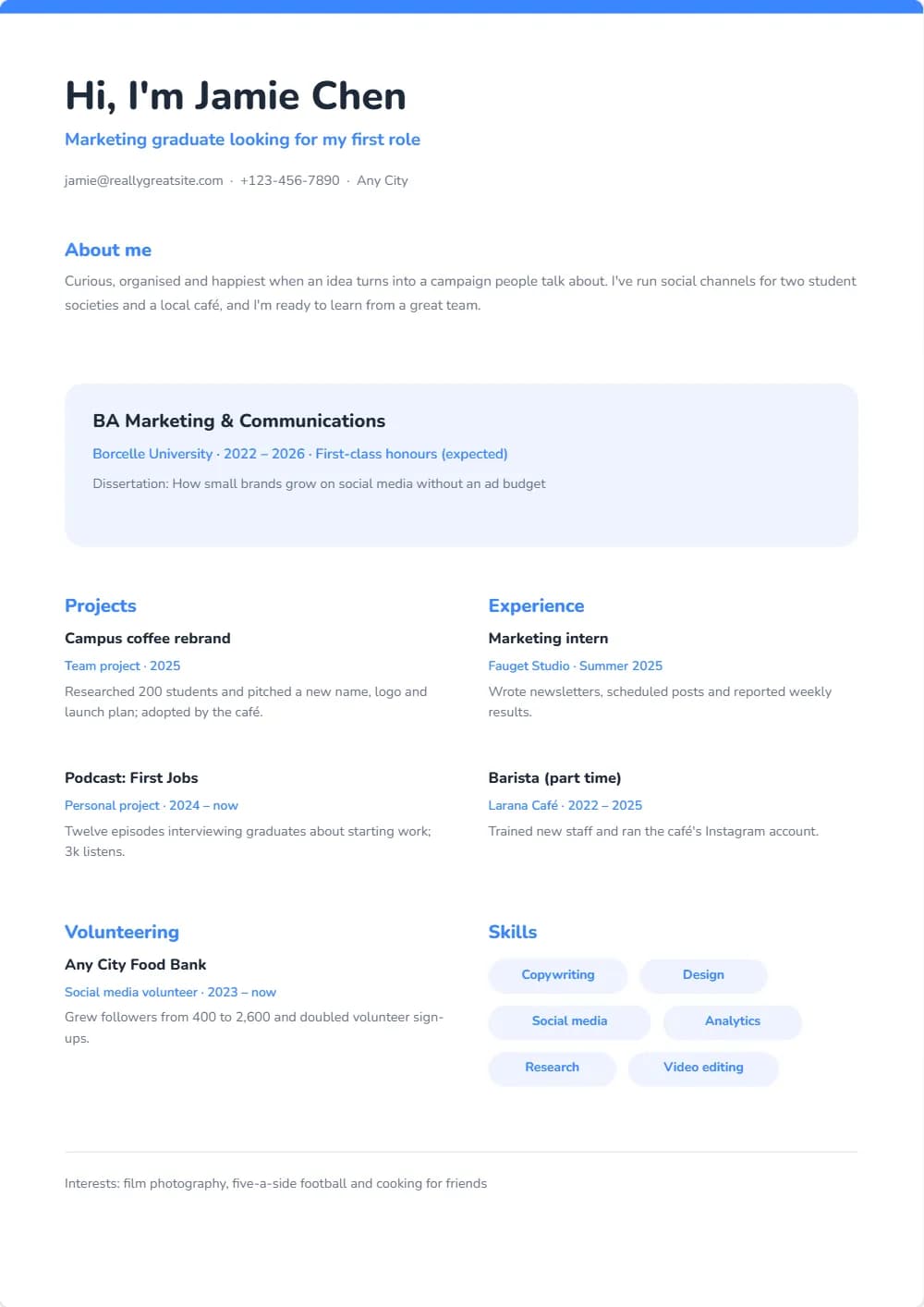
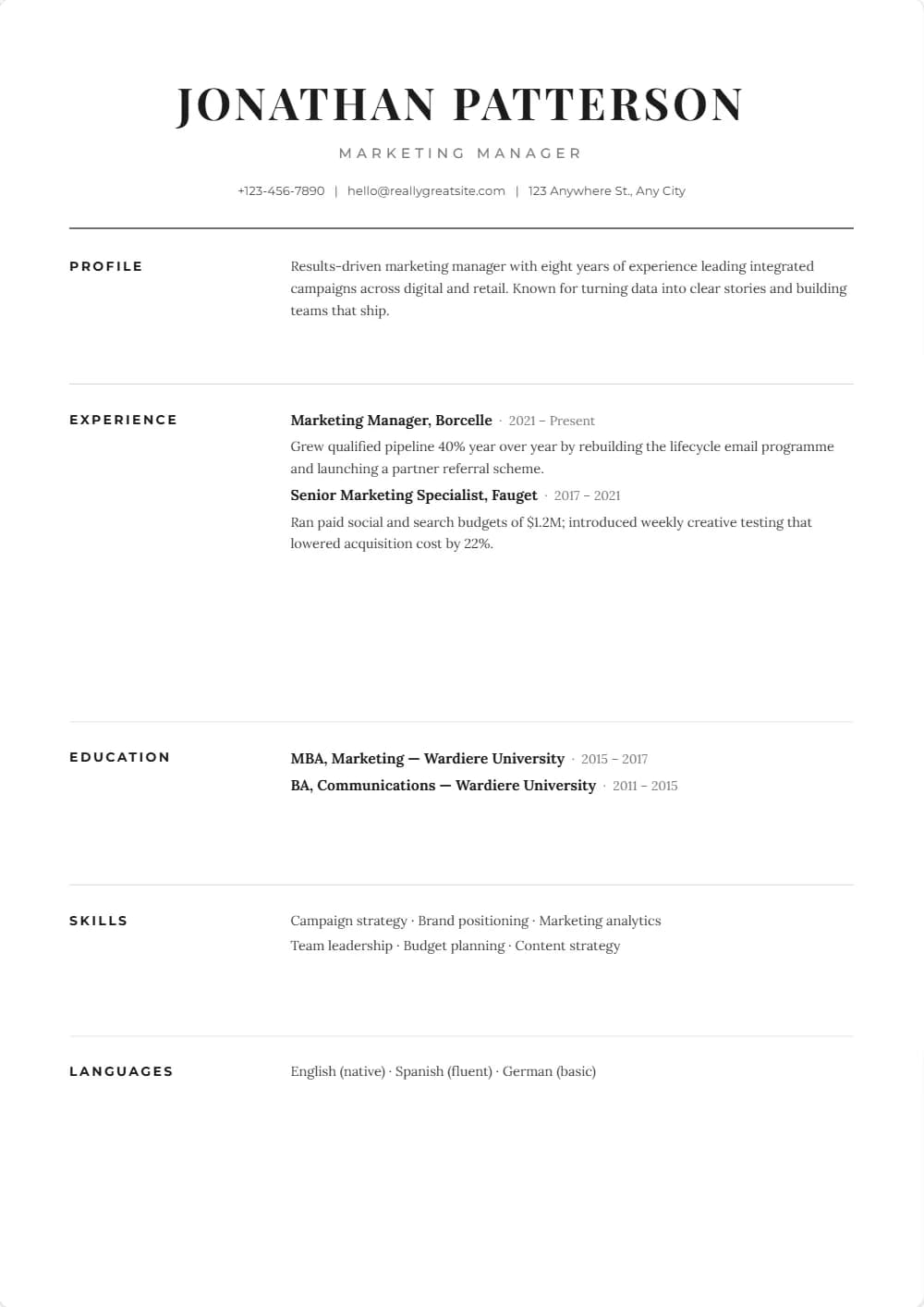
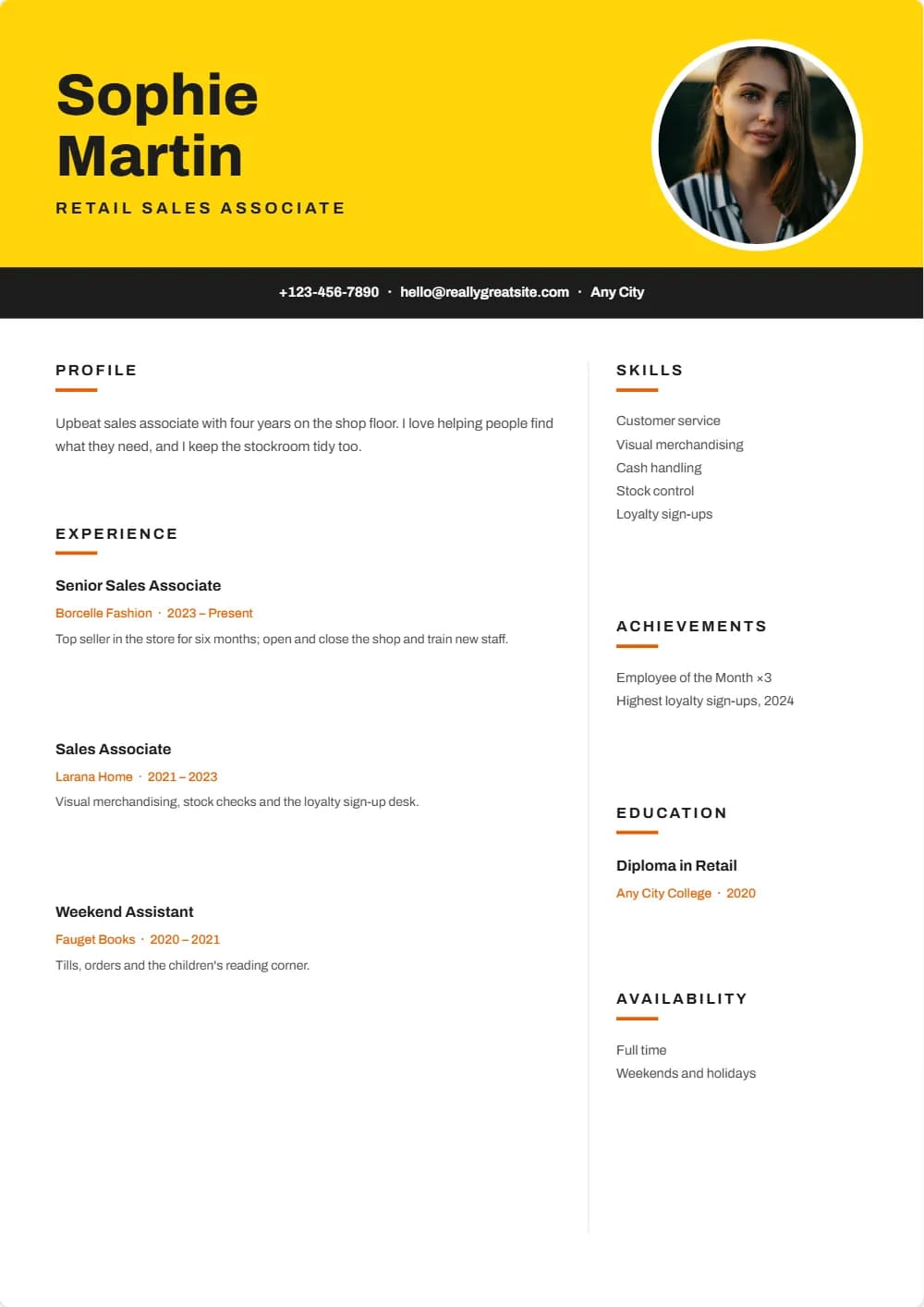
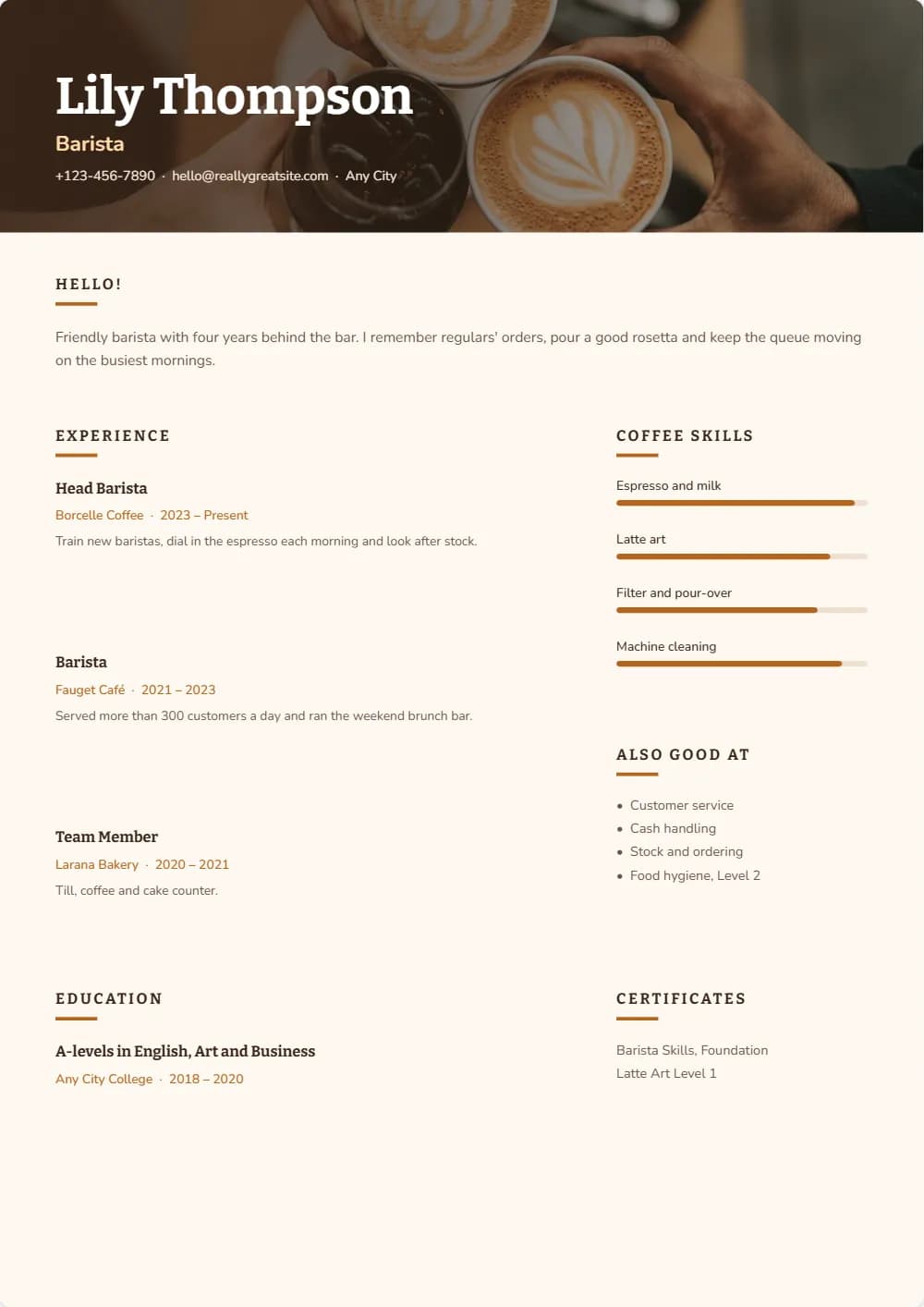
The header: name and contact details
Your name should be the largest text on the page. Under it, give a phone number, a professional email address, your city, and a link to a LinkedIn profile or an online portfolio if you have one. A full street address is not needed, and nor is your date of birth in most countries.
Write a short profile instead of an objective
Old advice was to open with an "objective" such as "Seeking a challenging role in a dynamic company". It says nothing about you. A profile does the same job better: two or three sentences on who you are, what you are good at, and what you are looking for. Rewrite it for each job you apply to.
Final-year business student with two years of weekend retail experience and a habit of organising things nobody else wants to. Looking for a graduate role in operations where I can learn how a busy team runs.
Self-taught web developer who has built and launched three small websites for local clubs. Comfortable with HTML, CSS and JavaScript, and looking for a junior front-end role.
Reliable and friendly school leaver with a food hygiene certificate and experience serving at family events. Available for full-time café work from June.
Notice that each one is specific. "Hard-working team player" could describe anyone; "two years of weekend retail experience" describes you.
Education: more than a line
List your most recent school, college or university first, with the qualification and the year you finished or expect to finish. If you are a student or a recent graduate, you can add a few lines that show what you actually did there:
- Relevant modules or courses, especially ones that match the job ad.
- A final-year project or dissertation, in one line: what it was and what came of it.
- Grades, if they are good. Leave them out if they are not; nobody will ask on a first read.
- Scholarships, prizes, or a position such as class representative.
Once you have a degree, your secondary school results can usually go. If school is your highest level so far, keep it, and make the most of it.
Turn what you have done into experience
"Experience" on a resume does not have to mean a salaried job. Call the section Experience, or Projects and Experience, and include anything where you took on responsibility and produced something. Good candidates:
- Part-time, weekend and seasonal jobs, however short.
- Volunteering: a food bank, a charity shop, a school event, a religious community, a sports club.
- School, university and personal projects: a website, a short film, a research poster, an app.
- Informal work: babysitting, tutoring, helping run a family business, freelancing for friends.
- Responsibilities in clubs and societies: treasurer, captain, organiser, editor.
Write each entry the way you would write a job: a title, the organisation, the dates, and two to four lines on what you did. Start every line with an action verb and, where you can, end it with a result or a number.
"Helped at the school fair" → "Ran the book stall at the school fair and raised £340 for the library."
"Did a group project" → "Led a team of four to research and present a marketing plan for a local café, graded A."
"Babysitting" → "Cared for two children three evenings a week for two years, including school pick-ups and homework help."
"Worked in a shop" → "Served up to 150 customers a shift, handled cash and card payments, and trained two new starters."
Skills: be specific
A skills section lets a recruiter tick boxes quickly, and it helps the software some employers use to sort applications. Read the job ad and list the skills it mentions that you genuinely have, in the same words it uses. Then add a few of your own.
- Tools and software: spreadsheets, a point-of-sale system, design apps, a programming language.
- Practical skills: cash handling, food hygiene, first aid, driving licence.
- Languages: name each one and your level, such as fluent, conversational or basic.
Avoid long lists of personality traits. "Communication" and "teamwork" carry more weight when an entry above shows them in action, so let your experience section prove them.
Optional sections that help
If you have space after the main sections, these can tip a decision your way:
- Certificates and short courses: online courses count, especially in tools the job uses.
- Awards: academic, sporting, creative or community.
- Interests: only if they say something useful. Running a book club shows organisation; "reading" alone does not.
What to leave out
- "References available on request". Employers assume it, and the line takes space.
- Personal details such as age, marital status or religion, unless it is the norm where you apply.
- Anything untrue or exaggerated. Interviewers ask about every line on a short resume.
- A photo, if you are applying in the US, the UK or Canada, where most employers prefer none. In much of Europe, Asia and the Middle East a photo is common.
Tailor it for each application
Sending the same resume everywhere is the most common reason a good first resume goes unanswered. You do not need to start again each time. Keep a master copy with everything on it, then for each job:
- Rewrite the profile so it names the kind of role you are applying for.
- Move the most relevant experience entry to the top of its section.
- Match your skills list to the words in the job ad.
- Cut anything that does not help this application.
Pair the resume with a short cover letter or message that says why you want this particular job. For an entry-level role, enthusiasm and a clear reason are often what separates two similar applicants.
Check it before you send it
- Read it aloud once, slowly. You will hear mistakes your eyes skip.
- Check your phone number and email address character by character.
- Make sure dates line up and use one format throughout (for example, Jun 2025 – Aug 2025).
- Send it as a PDF so the layout looks the same on every computer, and name the file with your name, such as Amira-Khan-Resume.pdf.
- Ask someone you trust to read it for thirty seconds and tell you what they remember. That is roughly the first read a recruiter gives it.
Make your resume in Layquil
Open the Student Resume template or any other layout from the resume maker. It opens in the editor as your own copy, with no sign-up needed to start. Click any text to replace it, delete the sections you do not need, and select a section and press Ctrl+D to duplicate it when you need another entry. Your resume is saved in your browser as you work.
When it is ready, sign in with a free account and download it as a PDF. The file is named after the design's title, so rename the design to your name first. The words stay real text in the PDF, so they can be selected and searched. The resume templates are A4; if you are applying somewhere that uses US Letter paper, you can start from a blank US Letter page instead.