
Decide the goal, the platform and the length
Start with three decisions, because they shape everything else:
- The goal: what should a viewer do afterwards? Book, buy, sign up, visit, follow.
- The platform: Instagram Reels, TikTok and YouTube Shorts are vertical; YouTube and most websites are landscape.
- The length: for a social promo, 15 to 30 seconds is a good target. Shorter is usually better: you can always say less and link to more.
| Where it will play | Shape | Size |
|---|---|---|
| Reels, TikTok, Shorts, Stories | Vertical 9:16 | 1080 × 1920 |
| YouTube, websites, presentations | Landscape 16:9 | 1920 × 1080 |
| Feed posts on several platforms | Square 1:1 | 1080 × 1080 |
Hook viewers in the first seconds
People decide within a second or two whether to keep watching. Open with the most interesting thing you have: the finished product, a striking image, a surprising number, or a bold line of text that names the viewer's problem.
"Tired of cold coffee by 10 am?"
"Our new menu starts Friday."
"3 ways to fix a slow website"
"Only 40 tickets left."
Avoid opening with a logo animation or a slow fade-in from black. Put your logo at the end, where it reminds people who to remember.
Plan your scenes
A short promo is a handful of scenes, each a few seconds long with one message. Write them out before building anything. A simple plan for a 20-second promo:
| Scene | On screen | Length |
|---|---|---|
| 1. Hook | A bold question or the product itself | 3 s |
| 2. The offer | What it is, in one line | 4 s |
| 3. Why it's good | One benefit, with a photo or clip | 4 s |
| 4. Proof or detail | A second benefit, a price or a date | 4 s |
| 5. Call to action | What to do next, and where | 5 s |
Three to five seconds per scene keeps a social video moving. The last scene can stay a little longer, so people have time to read the call to action.
Design for sound off
Many people watch social videos with the sound off, especially in feeds. Put the key message on screen as text, so the video works silently, and treat music and voice as a bonus.
- Short lines: five to eight words on screen at a time.
- Large, bold type with strong contrast against the background.
- Give it time: a line needs at least two or three seconds to be read comfortably.
- Stay inside the safe area: on vertical video, the platform's buttons and captions cover the bottom and the right edge, so keep text near the middle.
Pictures and clips
Use real footage or photos of your product, place or people whenever you can: they're more convincing than anything generic. A few seconds of phone video is plenty for a scene. Photos work too; a small movement, such as the photo slowly rising or zooming in, makes a still image feel alive.
Stock footage fills gaps well (a city skyline, coffee being poured, hands typing), but use it as support rather than the main story.
Animation: a little goes a long way
Animation directs attention: a headline that rises in, a price that pops, a button that pulses on the last scene. Used on every element, it becomes noise. A good rule is one entrance animation per scene for the main element, and the same style throughout the video so it feels like one piece.
Music and sound
Music sets the mood and the pace. Pick a track whose tempo matches your scene lengths: upbeat for quick cuts, slower for a calm, premium feel. Keep it under any voice-over, and fade it out at the end rather than stopping abruptly.
Only use music you have the right to use. Popular songs are usually off-limits for promotional videos, and platforms can mute or remove videos that use them. A royalty-free library that allows commercial use is the safe choice.
End with a clear call to action
The last scene should tell people exactly what to do: "Book at our website", "Link in bio", "Visit us on Market Street", "Tickets on sale now". Show your logo and, if useful, a web address. Keep it on screen long enough to read twice.
Captions for anything spoken
If the video has a voice-over or someone speaking to camera, add the words on screen as captions. They help people watching without sound, viewers who are deaf or hard of hearing, and anyone watching in a language they're still learning. Keep each caption to one or two short lines, timed to the speech.
One video, several shapes
If the promo is going to several platforms, plan for more than one shape from the start. Make the vertical version first if most of your audience is on phones, then rebuild it as a landscape or square video, keeping the same scenes, words and music. Rearrange each scene for its shape rather than shrinking it: in a vertical scene, stack the text above the picture; in a landscape one, put them side by side.
Check it before you post
- Watch it once with the sound off. Is the message still clear?
- Watch it on a phone, at phone size. Can you read every line?
- Check the first two seconds. Would you keep watching?
- Check spelling, prices, dates and links on every scene.
- Make sure the shape matches the platform you're posting to.
- Show it once to someone who hasn't seen it, then ask what it was for. If they can't say, simplify the message.
Don't forget the thumbnail
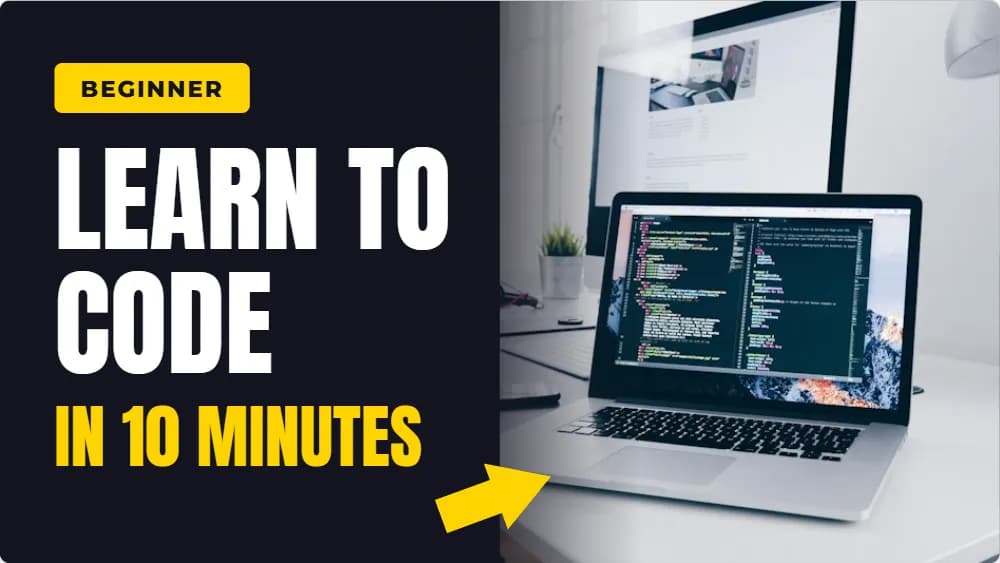
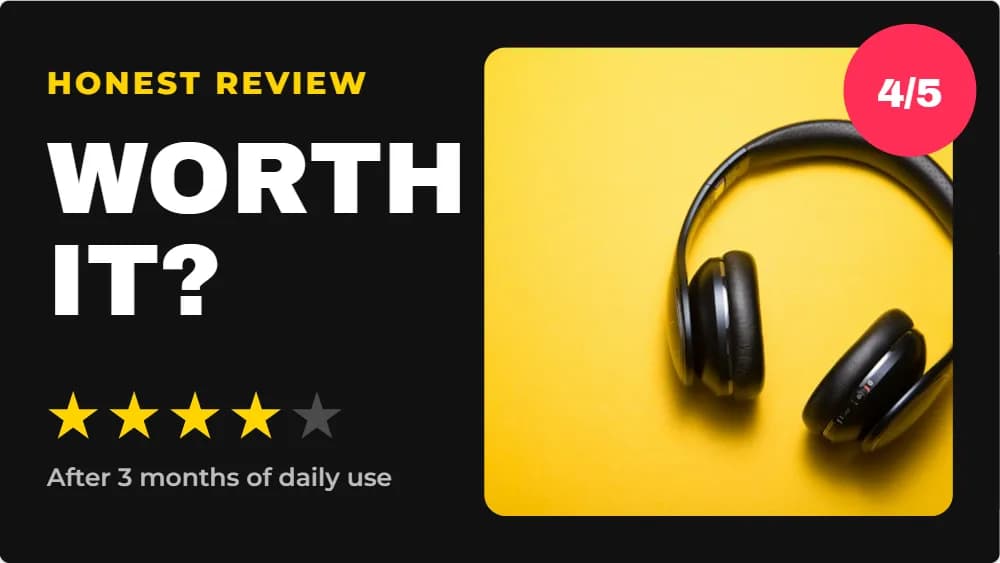
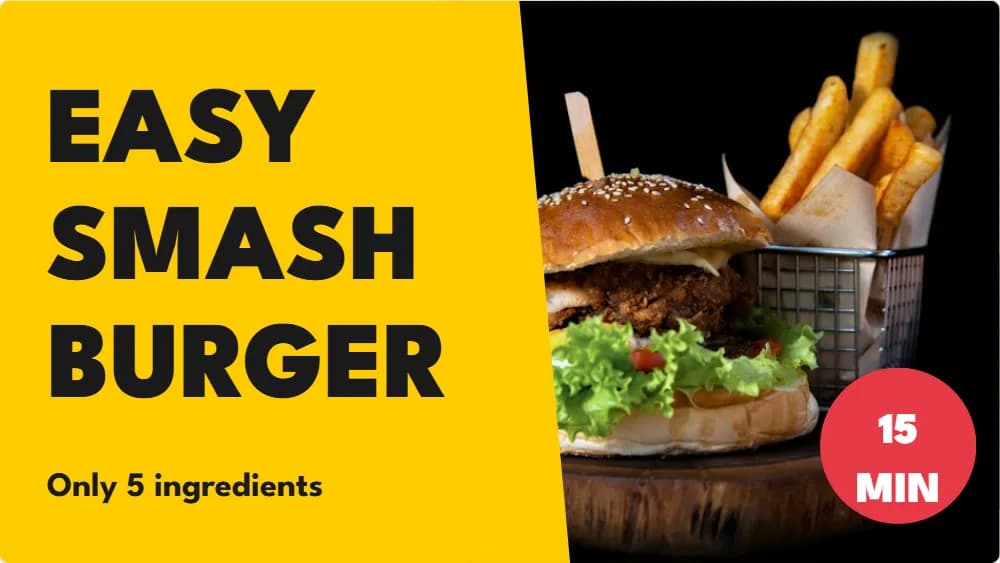
On YouTube, the thumbnail decides whether people start your video at all. Make one that shows the subject large, with a few words that add to the title; the YouTube thumbnail guide covers the size and the design habits that work.
Make your video in Layquil
Start a landscape video or a vertical Mobile video from the video maker. Each scene is a page of the design: add text, shapes, photos and clips to it, and set how long it lasts on the timeline. Elements → Videos has a free library of stock clips, Elements → Photos free photos, and you can upload your own clips. Press Space or the play button to watch it back, and S to split a scene or an element at the playhead.
Select an element and open Animate to give it an entrance and an exit, or choose a text animation such as Typewriter or Bounce for a text box. Elements → Audio has a free music library you can use commercially, or you can upload your own audio file; select a track on the timeline to set its volume and fade it in and out.
With a free account, download a Full HD MP4, made in your browser with no watermark. Clips you upload are kept in the browser you added them in, so finish and download the video on the same computer.